11
DCA73W
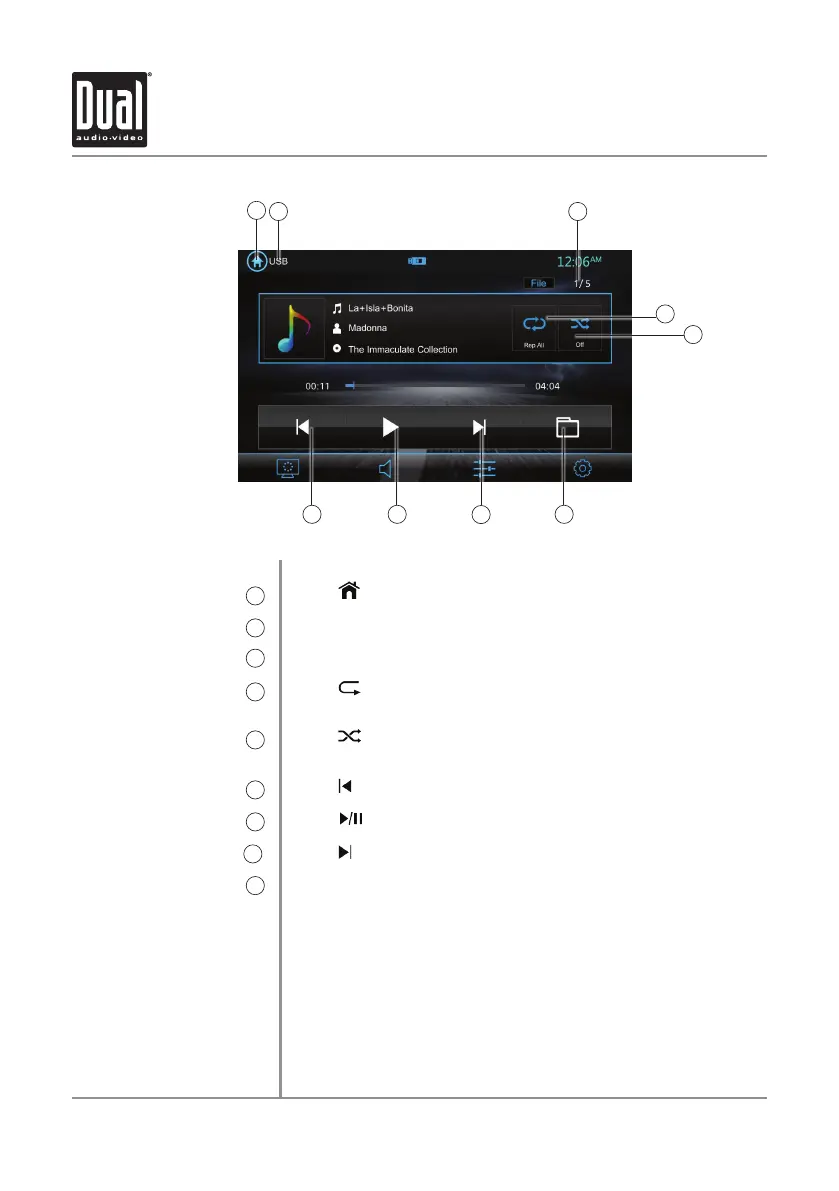
USB Operation
USB
Main Menu
1
Current Mode Indicator
2
File Number
3
Repeat
4
Random
5
Track Down
6
Play / Pause
7
Track Up
8
Folder
9
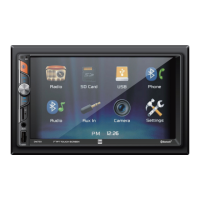
From the main menu, touch the USB icon on the main screen.
Press icon to return to Main Menu screen.
Displays source currently playing.
Displays the current file number.
Press to repeat current track and adjust to repeat all tracks in
the current folder. Press again to exit repeat mode.
Press icon to shuffle all tacks in the current folder and again
to shuffle all tracks. Press again to exit random mode.
Press icon to return to the beginning of the current track.
Press icon to pause or resume playback.
Press
icon to skip ahead to the next song
Press to access and navigate a list of all files and folders on the
device.
1
2 3
4
6 7 9
5
8


 To Next Page