EasyManua.ls Logo

Dual DV622 - User Manual

Dual DV622
24 pages
Print Icon
To Next Page IconTo Next Page
Loading...
INSTALLATION/OWNER’S MANUAL
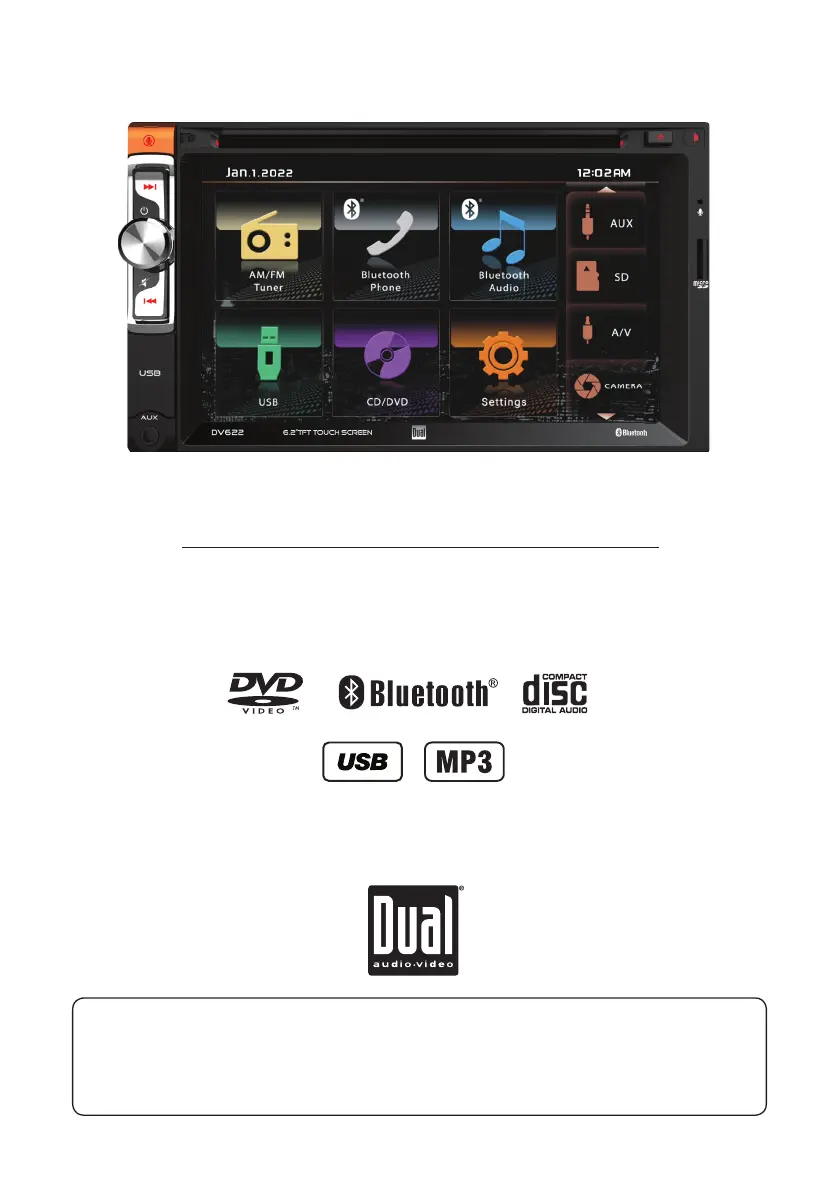
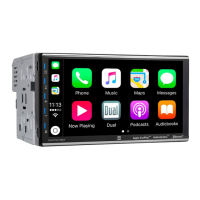
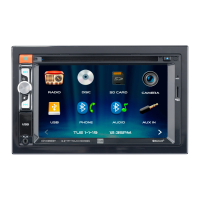
Multimedia Receiver with Bluetooth®
featuring a 6.2" Touch Screen Display
DV622
The DVD video display of the in-dash unit will not operate while the vehicle is moving. This is a safety feature
to prevent driver distraction. In-dash DVD video functions will only operate when vehicle is in Park and the
parking brake is engaged. It is illegal in most states for the driver to view video while the vehicle is in motion.
Safety Notes:

Questions and Answers

Summary

DV622 Installation and Owners Manual

Safety Notes

Information regarding safe operation and legal compliance for the DVD video display.

Preparation and Safety Warnings

Critical Safety Warning

Details critical warnings about driver distraction, installation, and safe operation.

Safety Information

General Safety Precautions

Instructions to prevent damage or injury during installation and operation.

Installation Guide

Wiring Diagram

Inputs and Outputs Overview

Illustrates the wiring connections for various inputs and outputs of the unit.

General Operation Overview

Setup Menu Configuration

System Settings and Customization

Details options for language, display, audio, video, and Bluetooth preferences.

AM;FM Tuner Operation

Media Playback Operation

DVD Playback Operation

DVD Playback Advanced Settings

Bluetooth Connectivity

Bluetooth Music Control

Advanced Features

Steering Wheel Control (SWC) Integration

Troubleshooting Guide

Common Problems and Solutions

Lists common operational problems, their causes, and recommended actions for resolution.

Limited One Year Warranty

Dual DV622 Specifications

General IconGeneral
Number of channels4
AM/FM tunerYes
Remote controlYes
Power Supply12V DC
Preamp Voltage4V
PlaybackMP3, WMA
AUX inputYes
USB inputYes
Output ConnectorRCA
Current Consumption10A
Operating Temperature-20°C to 60°C
Display TypeTFT LCD

Related product manuals