18
DCA73W
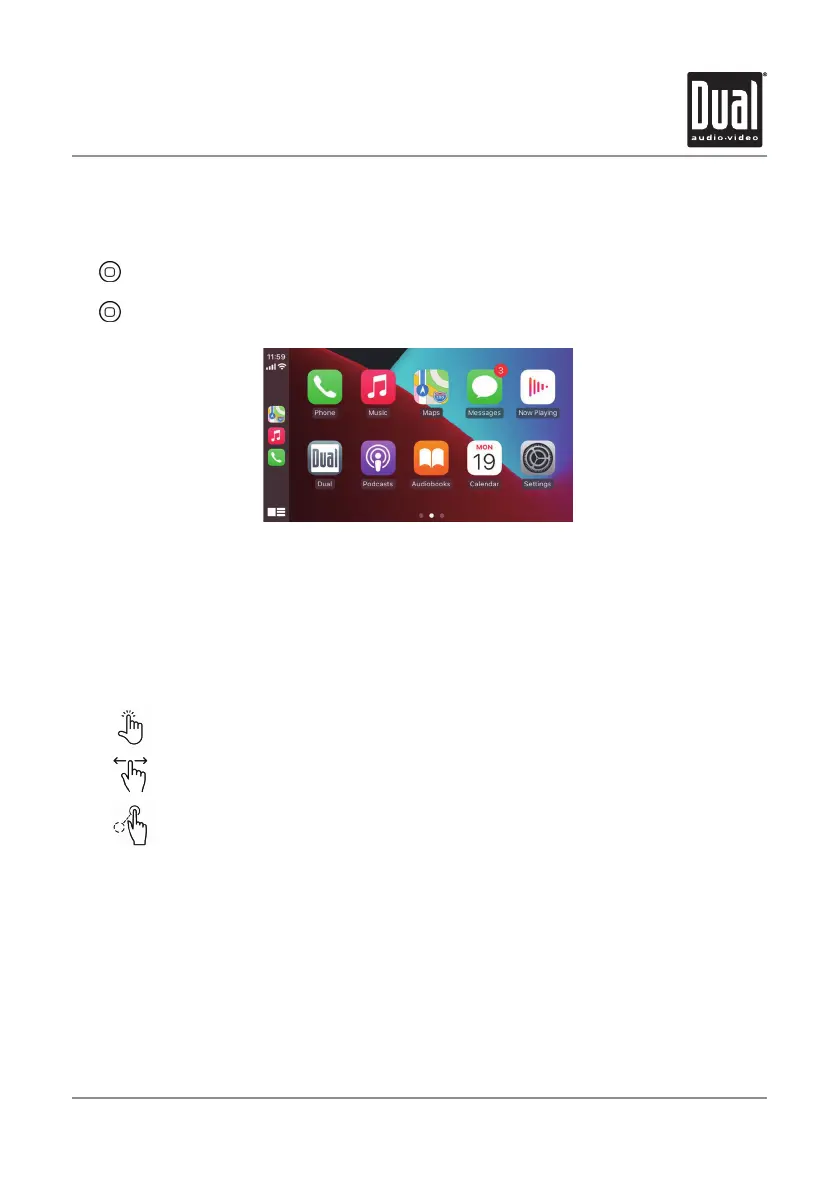
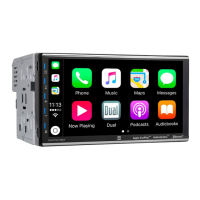
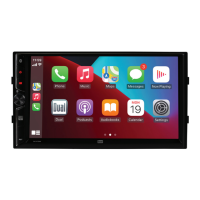
Press any Application button on the main Apple CarPlay menu to access that operation
directly. The toolbar on the left side of the screen displays the time, signal strength
and shortcuts to the most popular applications - Phone, Music and Navigation - so
they can be accessed quickly and easily without returning to the main menu.
Controlling Apple CarPlay
The following basic controls will operate many standard Apple CarPlay features.
Exiting Apple CarPlay
Disconnecting your iPhone will automatically exit Apple CarPlay mode. To exit Apple
CarPlay mode while your phone is still connected, press the Power/Volume knob
momentarily, and the unit's main menu will be displayed.
Apple CarPlay
®
Operation
When the Apple CarPlay menu is displayed, the home button in the lower left corner
work just like the home button on your iPhone.
Press and hold it to summon Siri and begin your voice commands.
At any time during Apple CarPlay operation, you can press this button
momentarily to return to the main Apple CarPlay menu screen.
Touch - Briefly press the desired option.
Swipe - Briefly swipe in the desired direction.
Drag - Press, hold and drag to the desired location.


 To Next Page