14
MGH30BT OPERATION
iPod Operation
The MGH30BT features a direct USB control system for iPod.
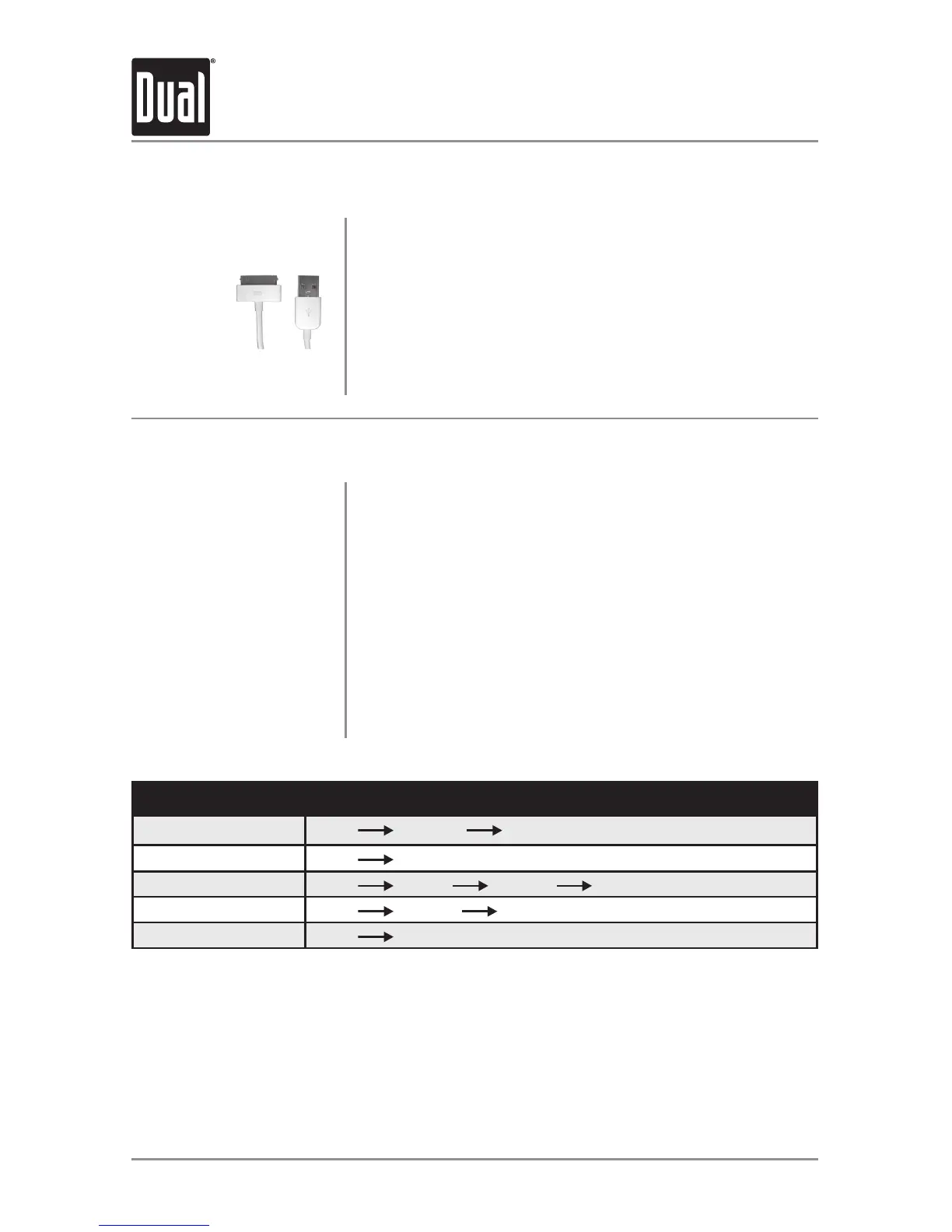
To play music from an iPod device, connect the USB cable
(included with your iPod device) to the USB port on the front
panel.
Once connected, "Loading" will flash in the display, then
playback will begin automatically. If a song is playing on the
iPod device before it is connected, it will continue to play.
Connect an iPod Device
(Not Included)
Search Item
Menu Navigation
Playlist
Menu Playlists Songs
Songs
Menu
Songs
Artists
Menu
Artists Albums Songs
Albums
Menu
Albums Songs
Podcase
Menu
Podcasts
See the below table for a list of the search menu navigation options.
Search Menu Functions
(step 1)
(step 2)
(step 3)
Press SELECT once to enter the search mode.
Use the VOL+ or VOL- buttons to choose between playlist,
songs, artists, albums and podcasts. Press SELECT to select
the desired search type.
Navigate to the desired song and press SELECT to begin
playback of that song. Use the table below for reference
when navigating through the menu options.
Note: Press GO BACK to access the previous level (up one
level). Pressing GO BACK from the search main menu will
exit the search.
Search Mode
Full/Manual Control
The MGH30BT features both full and manual control modes for iPod/iPhone devices. See
page 8 for details to toggle the control between full and manual modes.
Important: To support manual control for iPod/iPhone, the iPod device must be updated to
the newest firmware.
Note: Not all iPod/iPhone devices are compatible with manual control mode.


 To Next Page