6
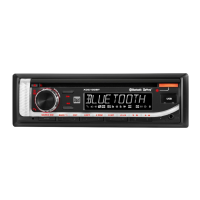
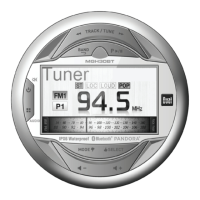
MGH30BT OPERATION
Press or any other button to turn the unit on. Press and
hold
to turn the unit off.
Press MODE to enter the Mode Menu, then press MODE
to select between Tuner, Aux, USB, iPod, Bluetooth and
Pandora modes. Modes of operation are shown in the
display.
The MGH30BT offers rear RCA auxiliary input ports for
connecting an audio device, MP3 player, etc. Press MODE to
select auxiliary input mode.
Adjust volume using volume keys.
Press DISP to toggle between ID3 tag and file/folder name
for MP3/WMA files being played from CDs or USB devices.
If abnormal operation occurs, press MENU and TUNE
nn
for three seconds to reset the unit to the default factory
settings.
Power On/Off
Mode
Auxiliary Input
Volume
Display
Reset
General Operation


 To Next Page