10
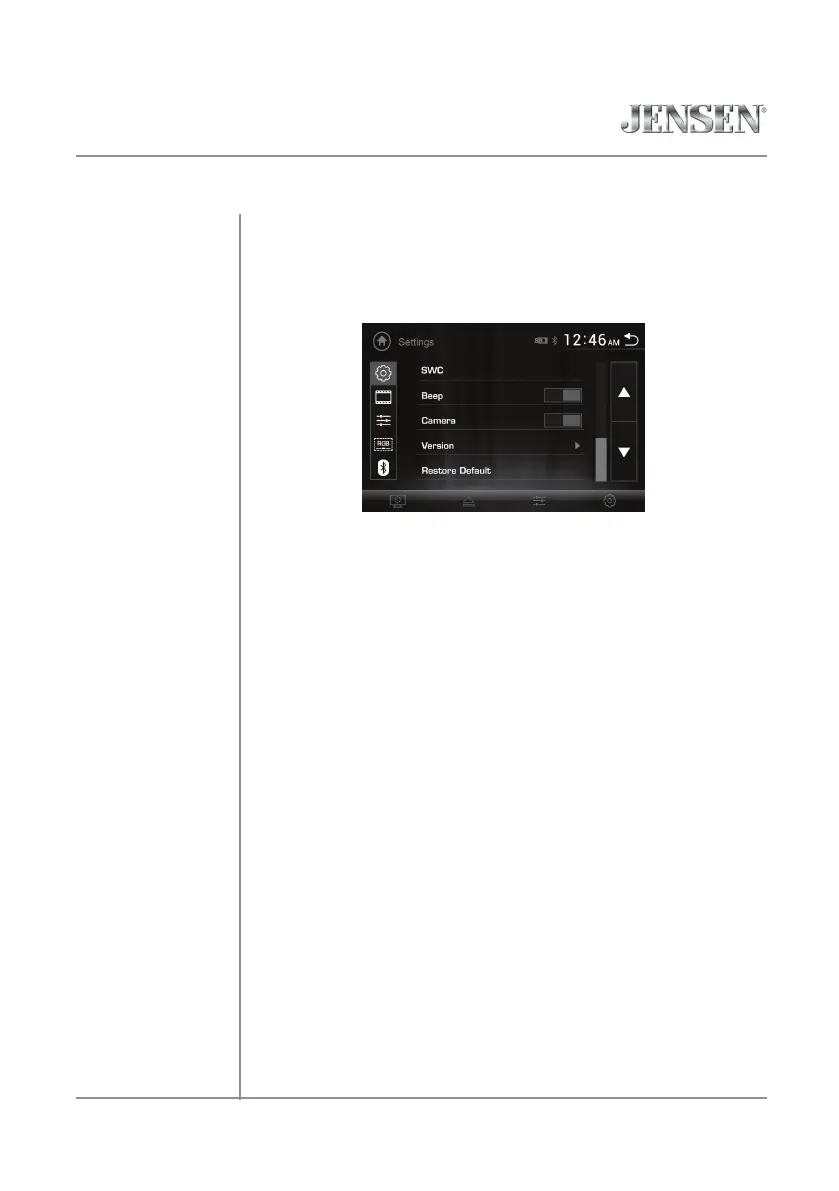
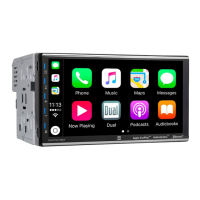
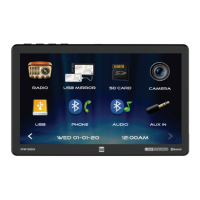
From the Main Menu screen, select Settings to access the Setup menu and
select from five categories represented by the icons on the left side of the
screen: General, Language, Audio, Screen and Bluetooth. Select the desired
sub-menu, and adjust using the up/down arrows on the right side of the
screen. To return to the previous screen, use the arrow in the upper right
corner of the screen.
General:
• OSD Language - On-screen display language is set to English.
• Wallpaper - Select one of three wallpaper options.
• Panel Adjust - Follow the prompts to calibrate the touch screen.
• Radio Area - Adjust the following radio options: Europe, USA, South
America, Russian and Asia.
• Time Setting - Access and adjust date and time settings.
• Beep - Turn the audible beep on or off.
• Camera - Turn the rear camera input on or off.
• Version - View current version numbers for the unit.
• Restore default - Press to restore unit to factory settings.
Language:
• Audio Language - Select a language option for the unit's audio.
• Subtitle Language - Select a language for subtitles (or select to turn
subtitles off).
• Menu Language - Select a language option for the unit's menu options.
Audio:
• Sound Effect - Adjust EQ, Surround Sound or Balance/Fader settings.
• Subwoofer - Press to adjust subwoofer frequency and volume.
• Loudness - Press to turn Loudness feature on or off.
• Loudness Cutoff Frequency - When the Loudness feature is activated,
press to set the Loudness cutoff frequency to 400Hz, 800Hz or 2400Hz.
Screen:
• Aspect Ratio - Select between 4:3PS, 4:3LM or16:9.
• Adjust - Adjust Brightness, Contrast, Hue, Saturation and Sharpness.
• Panel - Adjust Backlight settings, or turn Backlight off.
Bluetooth:
• Auto Connect - Turn Auto Connect feature on or off.
• Auto Answer - Turn Auto Answer feature on or off.
General Operation
VX2529 OPERATION
Setup Menu


 To Next Page