12
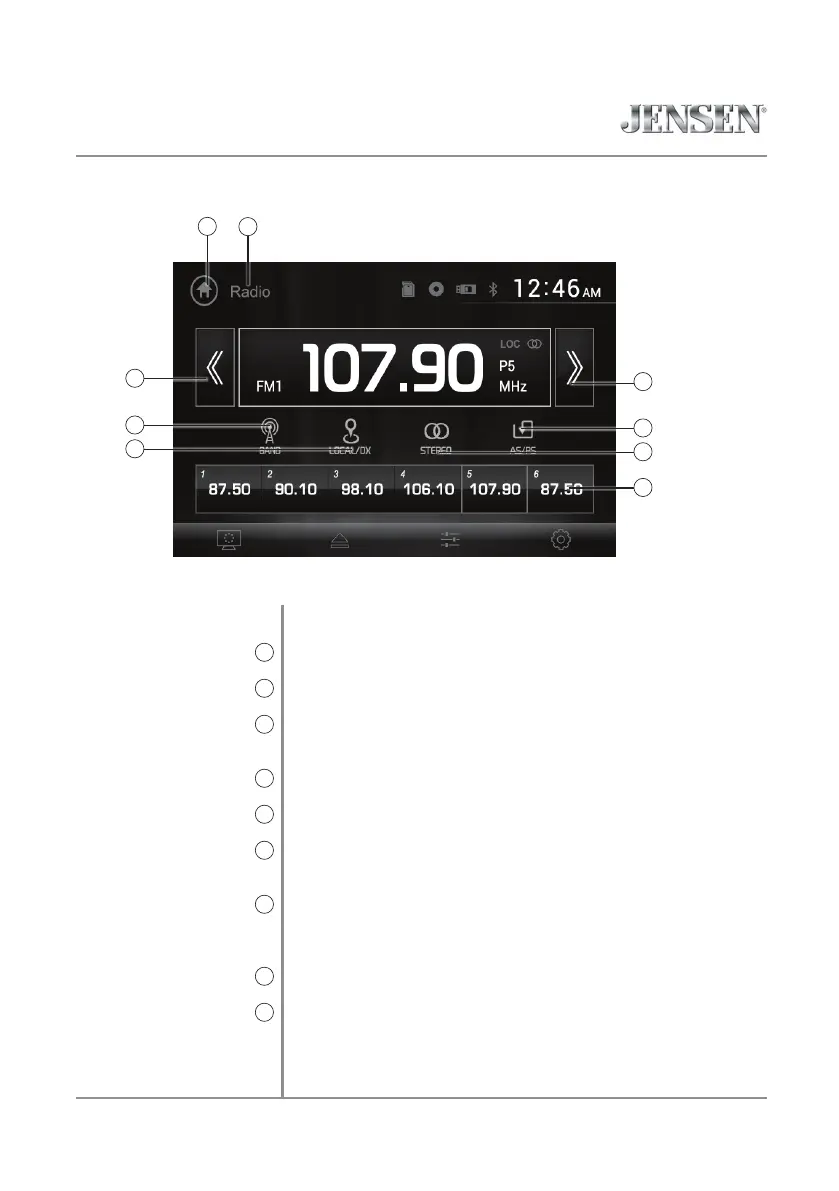
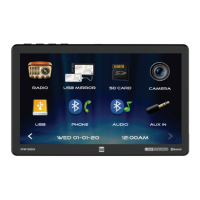
Select the Radio icon from the Main Menu screen.
Press to return to Main Menu screen.
Displays current mode of operation.
Press and hold << to seek a lower frequency. Press << momentarily
to tune the unit down one step at a time.
Press between 2 AM and 3 FM bands.
Press to toggle between Local and DIstance tuning.
Press and hold >> to seek a higher frequency. Press >> momentarily
to tune the unit up one step at a time.
Press to scan presets and listen to the first 10 seconds of each. Press
again to stop scanning and listen to the station. Press and hold to
automatically find and store the strongest stations as presets.
Press to toggle between Stereo and Mono tuning.
Press and hold to set the current station in that preset spot. Press
momentarily to recall the desired preset and begin playback.
Radio Operation
Main Menu
1
Current Mode Indicator
2
Tune Frequency Down
3
Band
4
Local / Distance
5
Tune Frequency Up
6
AS/PS
7
Stereo
8
Preset Stations
9
1
3
VX2529 OPERATION
2
AM/FM Tuner Operation
6
4
5
7
8
9


 To Next Page