17
Owner's Manual for
DUKE RCO Speed Oven
6. ERROR SCREENS
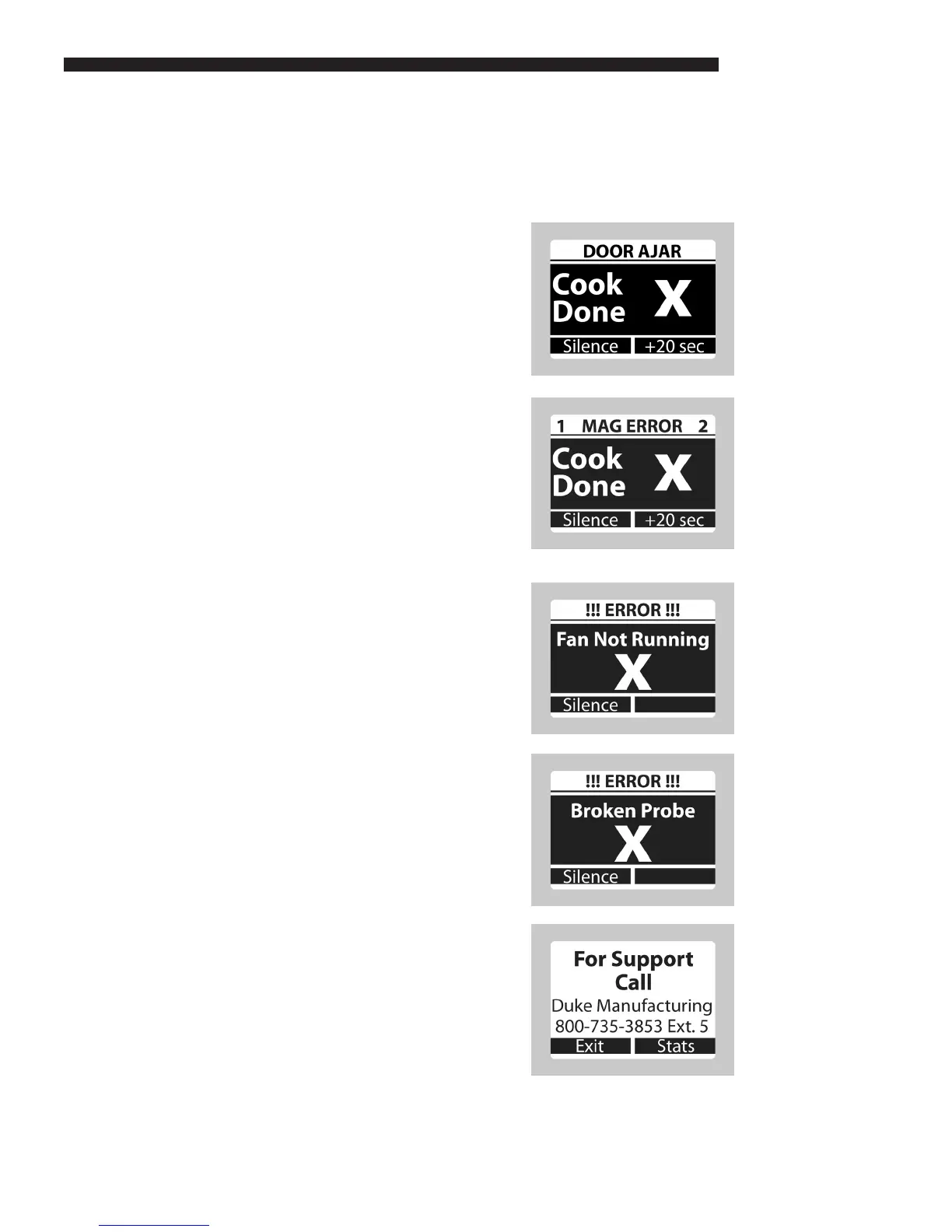
a. Door Ajar Error
• If a Door Ajar error occurs, there was
a problem with the current ow to both
magnetrons due to the door being slightly
ajar.
• These errors are reported immediately when
detected during a cook cycle.
• Firmly close the door and select a recipe.
b. Mag (Magnetron) Error
• If a Mag Error occurs, there was a problem
with the current ow in one or both of the
magnetrons.
• The numbers (1 or 2) in the top corners of
the Mag Error screen are the magnetrons
that had errors.
• These errors are reported immediately when
detected during a cook cycle.
NOTE: The cook is aborted.
c. Fan Error
• The oven will not run after a Fan Error until
the error has been repaired.
• Silence the audible alarm by pressing the
LEFT key (Silence).
• Press the LEFT key (Support) for the Duke
Support phone number.
d. Probe Error
• The oven will not run after a Probe Error
until the error has been repaired.
• Silence the audible alarm by pressing the
LEFT key (Silence).
• Press the LEFT key (Support) for the Duke
Support phone number.
e. Support
• When the Oven Ready screen is shown,
press the LEFT key (Support) to display the
number to call for service help.
• Press the RIGHT key (Stats) to view various
statistics for the oven and the oven control.
OPERATING INSTRUCTIONS



 To Next Page