16
Owner's Manual for
DUKE RCO Speed Oven
5. COOKING DISPLAYS
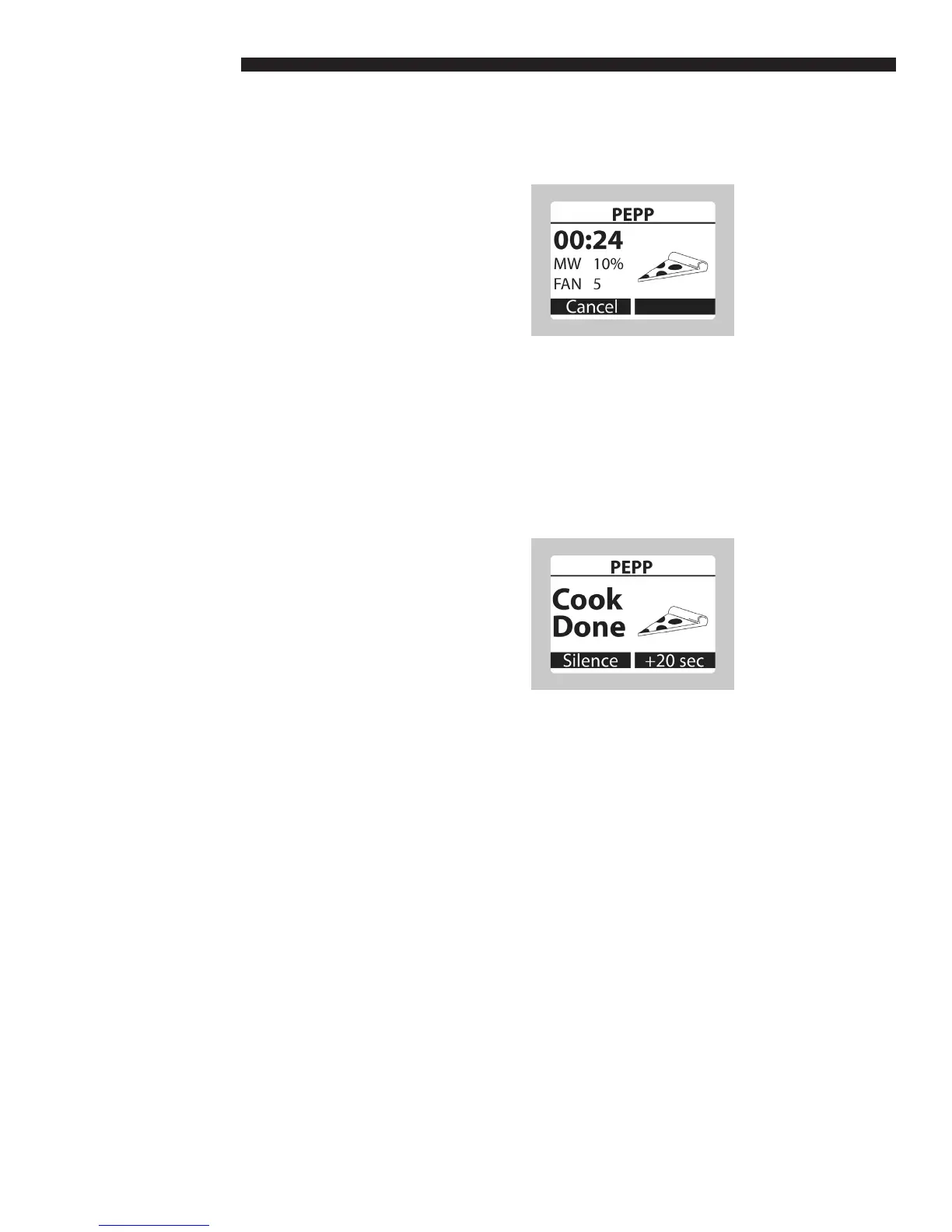
a. Cooking in Progress
• Select the Product Group and Recipe that
are to be cooked using either the Numerical
Keypad or the UP and DOWN keys and the
SELECT key to start.
• If the oven is not at the Set Temperature,
the Preheat screen will be displayed. After
the oven has reached the Set Temperature,
the Oven Ready screen will appear and the
recipe will need to be selected again.
• If the oven has reached the Set
Temperature, the Cooking in Progress
screen is displayed.
• To cancel cooking, press the LEFT key
(Cancel).
b. Cook Complete
• When cooking is completed, the Cook
Complete screen is displayed. The audible
alarm indicates the product is done.
• Press the LEFT key (Silence) to stop the
alarm. Press the LEFT key (Exit) again or
wait 3 seconds to return to the Oven Ready
screen.
• Press the RIGHT key (+20 sec) to cook for
an additional 20 seconds using the current
recipe settings.
OPERATING INSTRUCTIONS



 To Next Page