17
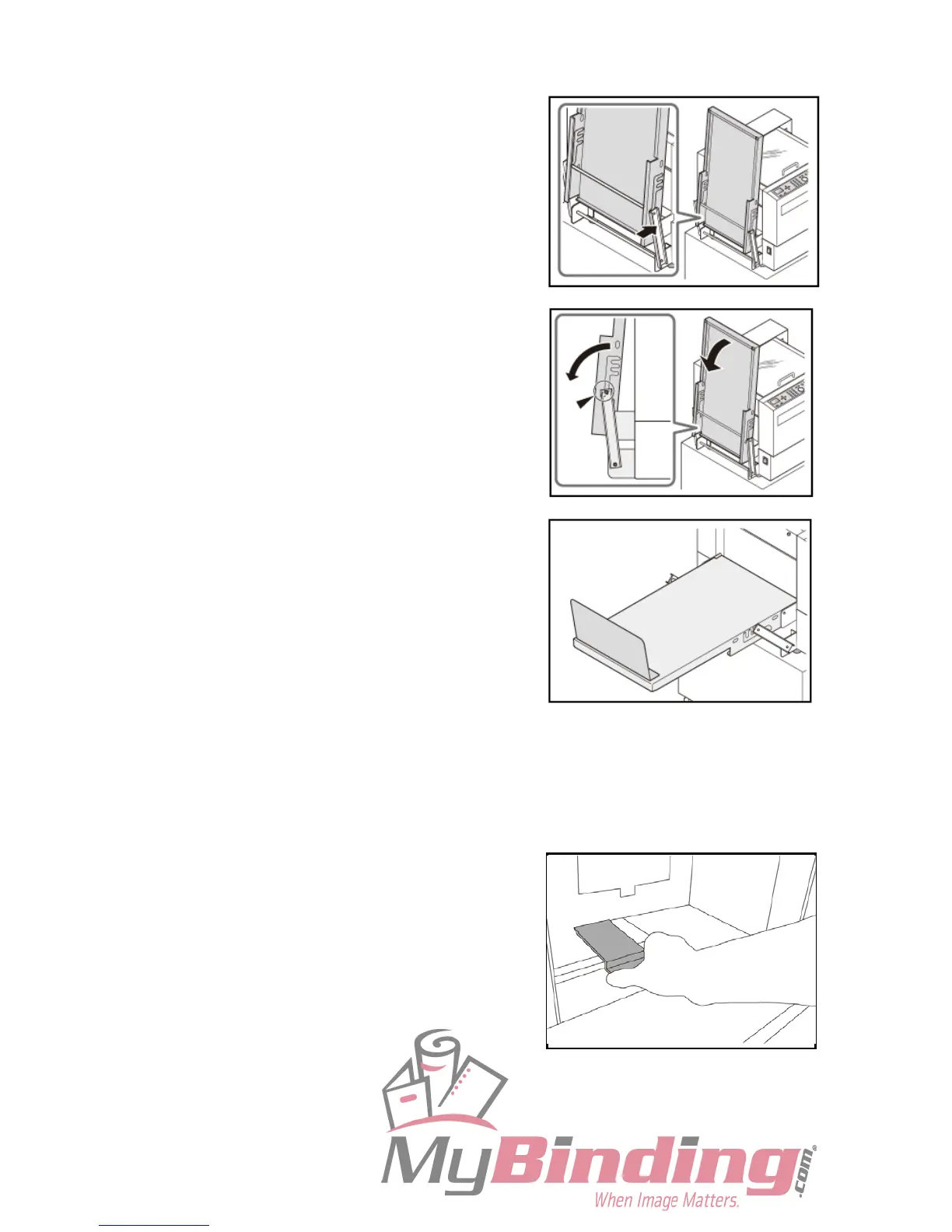
● How to Set the Stacker Tray
1. Open the stacker tray by pressing the stay.
There are 3 setting positions of the stacker tray.
IMPORTANT:
When the finished document size is A3 or
longer, or if the finished documents are
adhered on the tray due to static electricity, set
the stacker tray in the downward position.
2. Install the back guide.
● Installing the Guide
The guide must be installed when the document size is larger than A4.



 To Next Page