37
When a Paper Jam Has Occurred
When a paper jam has occurred, the lamp blinks on the LCD panel and a message is displayed
on the LCD panel. Remove the jam according to the following procedures.
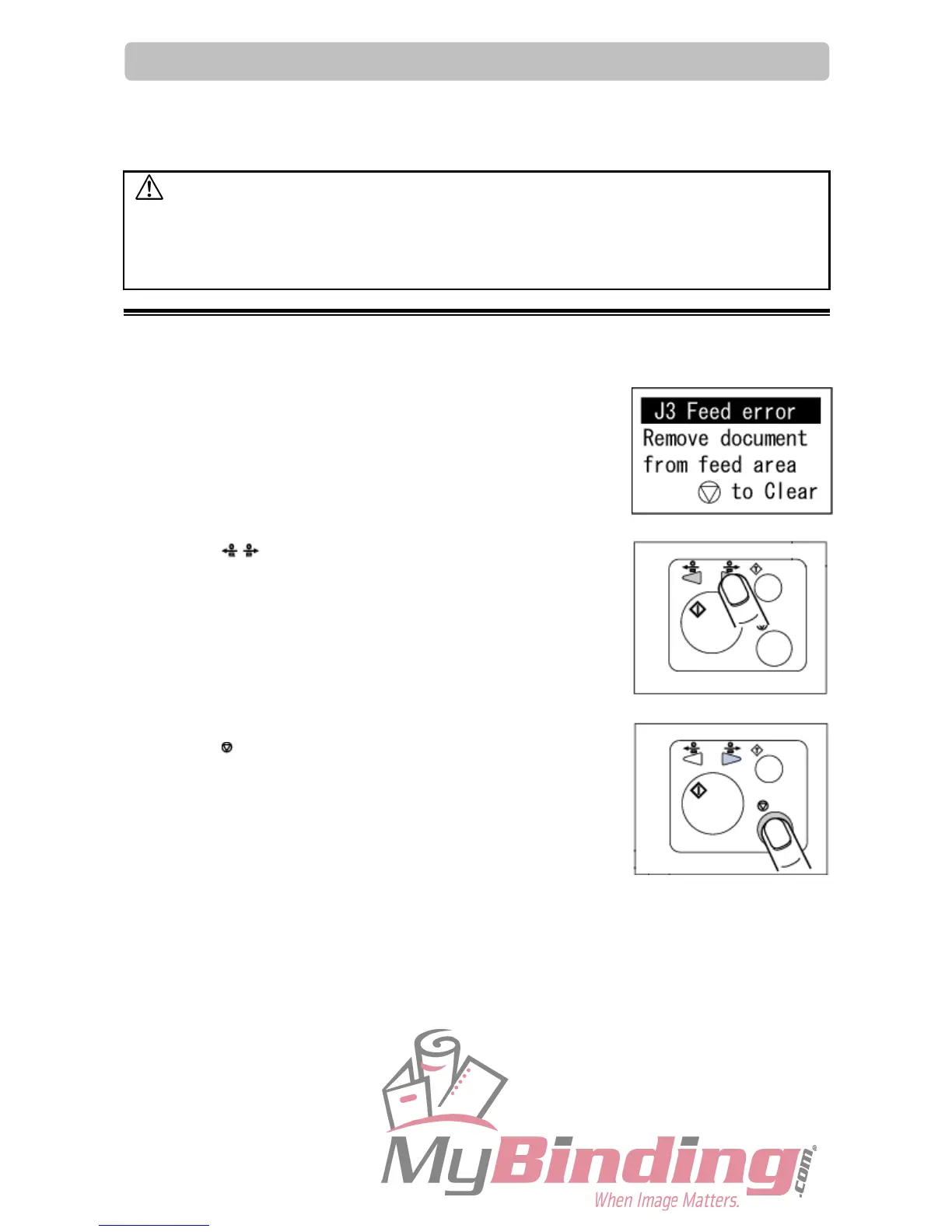
J3 Feed error
A document remains in the feed tray or document feed area.
1. Press the JOG keys to eject the document.
IMPORTANT:
Be sure to close the top cover when you operate the machine.
The machine does not work if the top cover is open.
2. Press the STOP key to clear the error.
WARNING
● Do not touch the blade. Doing so may cause injury.
● Before removing paper, make sure the machine is fully stopped. Use the pliers tha



 To Next Page