21
Entering a New JOB
Hints for entering a JOB:
● Pressing the SET key goes on the next step.
● Pressing the ▲ key returns to the previous step.
● Pressing the ▼ key goes on the next step.
● Pressing the STOP key while entering JOB ends JOB entering and returns to the main
menu.
REFERENCE:
The following setting examples are when all options are installed. Therefore, some displays may
be different from the actual one depending on what option is installed.
1. Turn on the power.
2. Make sure that the LCD panel displays stand-by screen.
3. Press the F key.
‘Select menu’ screen appears.
4. Select ‘Enter JOB’ using the cursor (UP/DOWN) key and press the
SET key.
5. Select the JOB no. (01-30) and enter JOB name using the Number
keys or cursor (UP/DOWN) key, and then press the SET key.
6. Use the Number key pad to enter the JOB name.
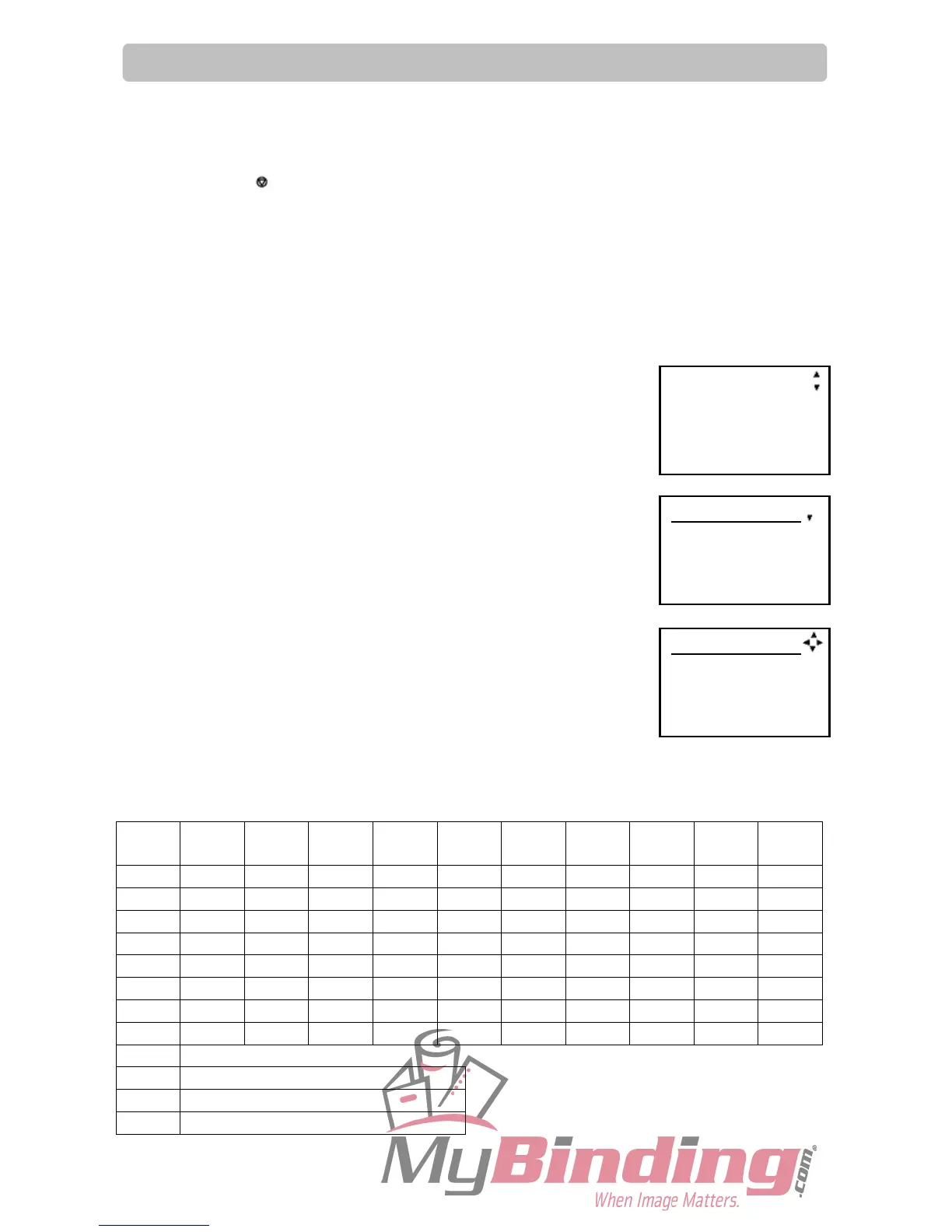
Up to 13 characters can be entered. Refer to the table below for available characters.
Press the SET key when input is completed.
1 1 ! ” $ % & ’ (
)
1
2 A B C a b c 2 A
3 D E F d e f 3 D
4 G H I g h i 4 G
5 J K L j k l 5 J
6 M N O m n o 6 M
7 P Q R S p q r s 7 P
8 T U V t u v 8 T
9 W X Y Z w x y z 9 W
0
C
Clear
◄
Space, Moves the cursor to the left.
►
Space, Moves the cursor to the right.
JOB01entry
1: [No Data]
2: [No Data]
3: [No Data]
Select menu
Retrieve JOB
Enter JOB
Setting
01:
-- --- --
Sheets 0



 To Next Page