24
Retrieving a JOB for Processing
1. Turn the power ON.
2. Make sure that the LCD panel displays stand-by screen.
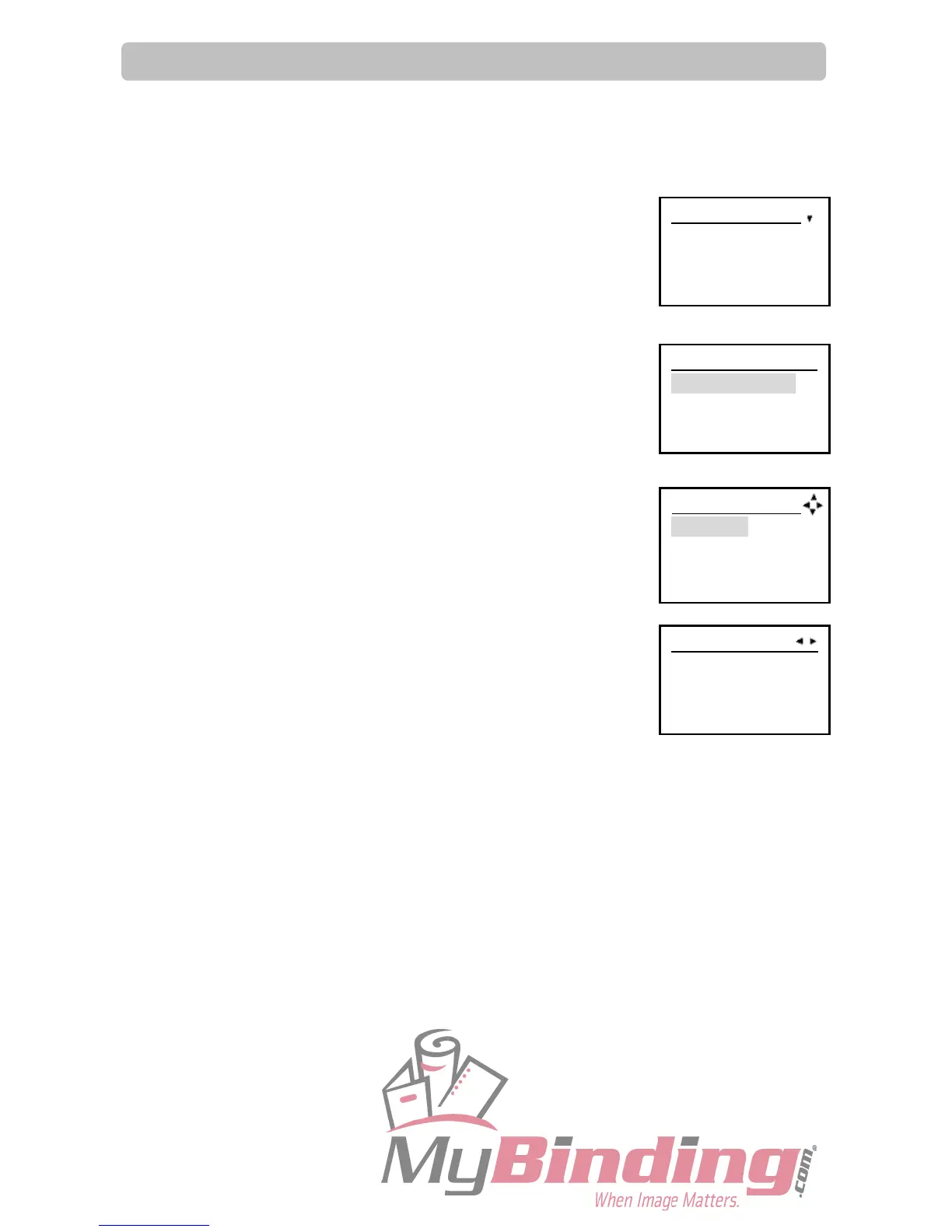
3. Press the F key.
‘Select menu‘ screen appears.
4. Select ‘Retrieve JOB’ using the cursor (UP/DOWN) key and press
the SET key.
5. Select ‘Retrieve JOB no.’ or ‘Retrieve JOB log’ and press the SET key.
‘Retrieve JOB no.’: JOB no. is displayed in ascending order.
‘Retrieve JOB log’: JOB no. is displayed in descending order from
the last processed JOB.
REFERENCE:
● Press the cursor key (LEFT/RIGHT) when cursor is under JOB no.
to confirm the settings of the JOB no.
(The details of JOB01 is displayed here.)
● JOB no. can be entered also using the Number key after selecting
‘Retrieve JOB no.’ or ‘Retrieve JOB log’.
6. Prepare sheets according to the retrieved JOB.
IMPORTANT:
Please fan sheets before loading them on the feed tray.
7. Put the sheets on the feed tray.
8. Set the side guides.
9. Set the stacker tray.
REFERENCE:
● When finished document size is A4 (longitudinal) or longer, set the stacker tray in the
downward position.
● If finished documents are adhered on the stacker tray due to static electricity, set the stacker
tray in the downward position.
Retrieve JOB
Retrieve JOB no.
Retrieve JOB log
Return
Retrieve JOBXX
1 : JOB 01
2 : JOB 02
3 : [ NO DATA]
JOB01 property
Width XXX.X mm
Length XXX.X mm
Select menu
Retrieve JOB
Enter JOB
Setting



 To Next Page