31
Cleaning Feed Rollers
As the DC-445 processes digital color outputs, toner etc. on the documents may adhere to the
surface of the feed rollers of the DC-445. When the accumulation of such toner becomes
excessive, it may affect the performance of the DC-445. In this case, clean the rollers in the
following procedures.
1. Turn on the machine.
2. Make sure that the LCD panel displays stand-by screen.
3. Press the F key.
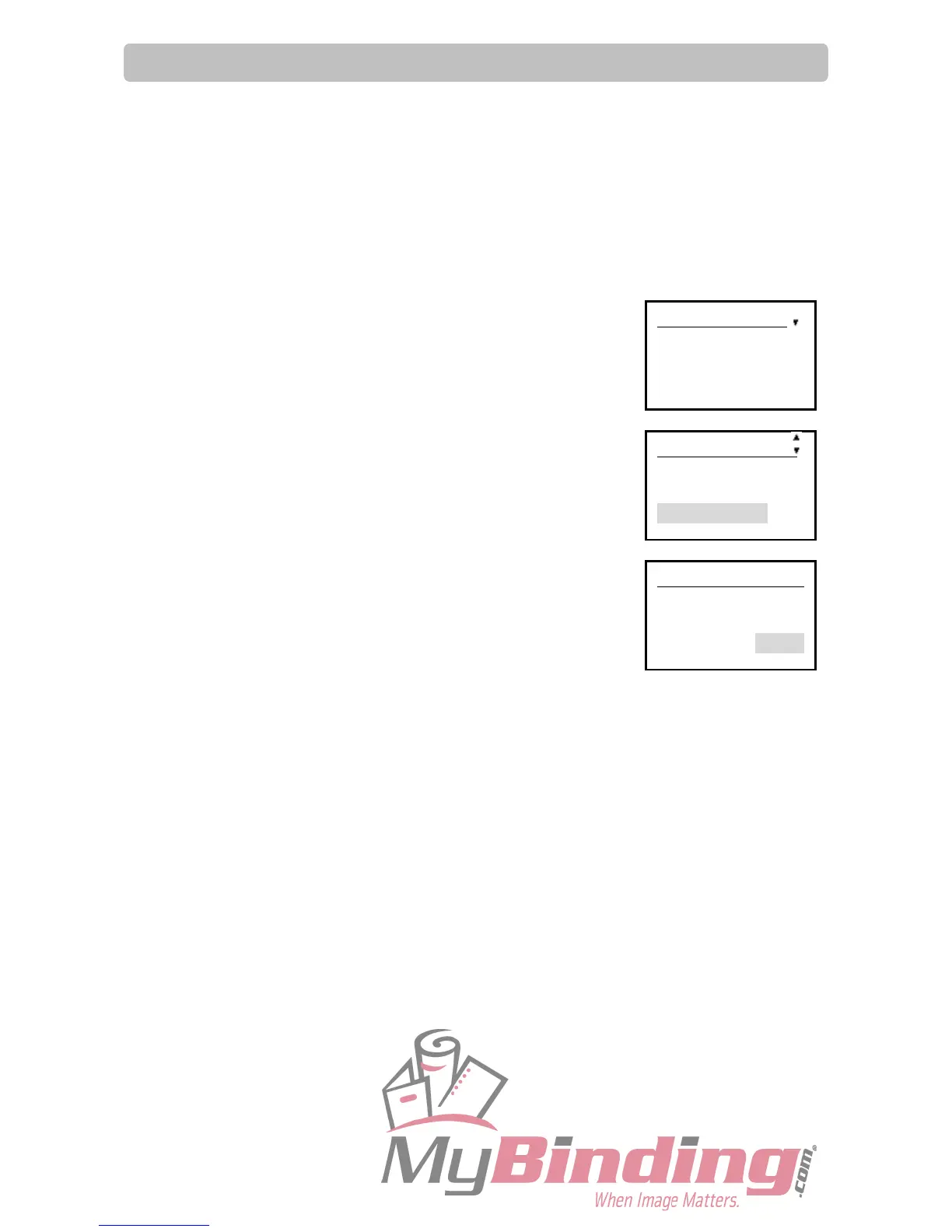
‘Select menu’ screen appears.
4. Select ‘Cleaning mode’ using the cursor key (UP/DOWN) key and
press the SET key.
5. Open / Close the top cover.
Every time the top cover is opened/closed, the feed rollers turn 60
degrees. Wipe-off the toner and debris on the rollers using a tightly
wrung cloth by opening/closing the top cover.
IMPORTANT:
Do not wipe the rollers with anything other than that designated
above. Use of anything else may result in mechanical
malfunction.
WARNING:
Do not put your hands or fingers in the feeding part when cleaning.
Your hands or fingers may be caught and get injured.
6. After cleaning the rollers, press the SET key.
‘Select menu’ screen appears.
Select menu
Retrieve JOB
Enter JOB
Setting
Select menu
Enter JOB
Setting
Cleaning mode
Cleaning mode
Open/Close cover
to turn rollers
Return



 To Next Page