22
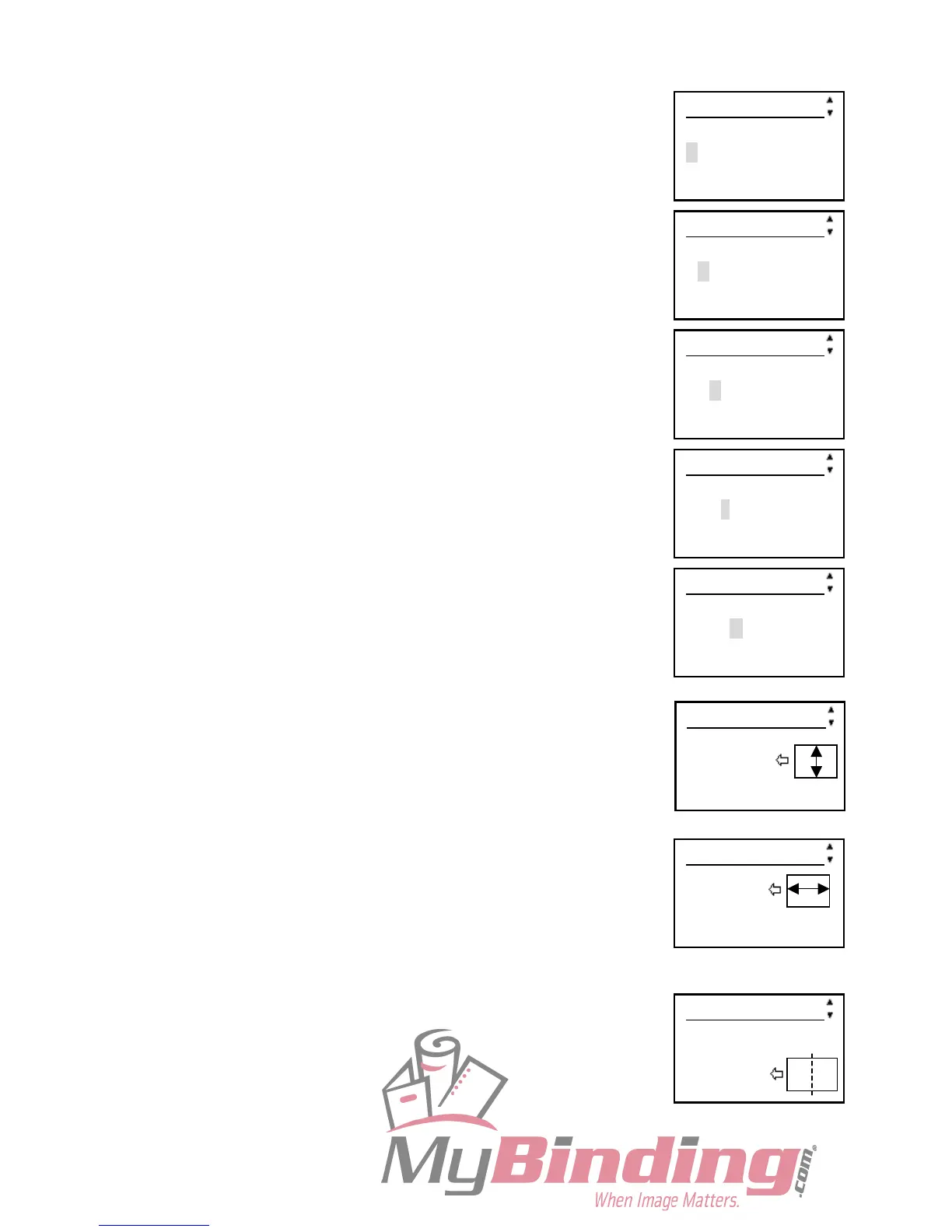
Example: DUPLO
1. Press the <3> key and the ► cursor key
2. Press the <8> key 2 times and the ► cursor key.
3. Press the <7> key and the ► cursor key.
4. Press the <5> key 3 times and the ► cursor key.
5. Press the <6> key 3 times and the ► cursor key.
6. Press the SET key
7. Enter the total width (in mm) of the document using the Number keys.
Press the SET key.
8. Enter the total length (in mm) of the document using the Number keys.
Press the SET key.
9. Enter the distance from the leading edge of the document to the
position for the first crease using the Number key.
Press the SET key.
Hereafter, you can set to Crease 15 similarly.
JOB01entry 1/24
Enter JOB name
D
JOB01entry 1/24
Enter JOB name
DU
JOB01entry 1/24
Enter JOB name
DUP
JOB01entry 1/24
Enter JOB name
DUPL
JOB01entry 1/24
Enter JOB name
DUPLO
JOB01entry 2/24
Width
210.0mm
(140.0-320.0)
JOB01entry 4/24
Creaser 1
0.0mm
(0.0-150.0)
JOB01entry 3/24
Length
150.0mm
(150.0-650.0)



 To Next Page