27
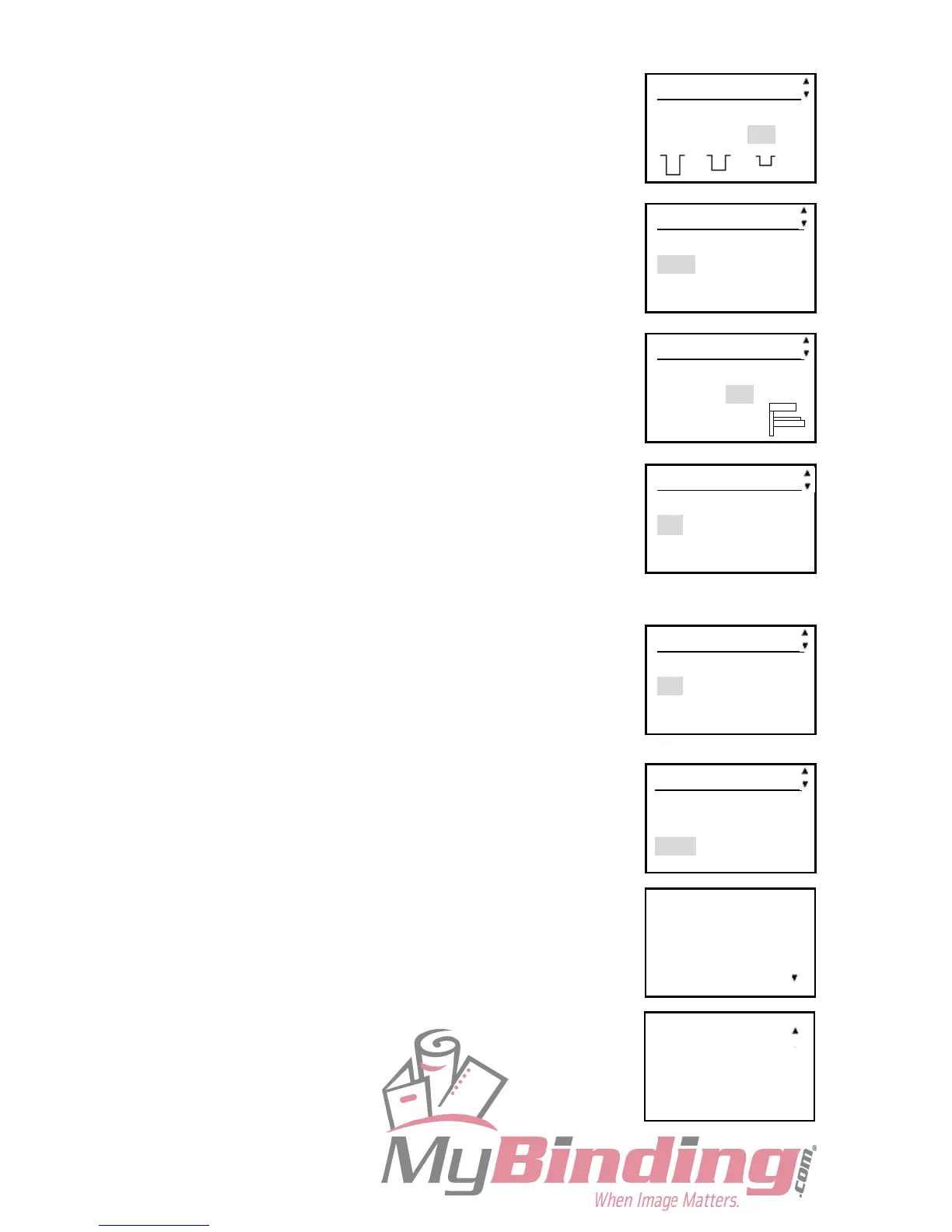
5-4. Crease depth
This sets the depth of the crease when creasing a document.
Set to MAX for heavy paper and MIN for light paper.
5-5. Speed
This is used to select HIGH/LOW processing speed.
5-6. Feeder capacity
The height of the elevator can be adjusted to 3 levels according
to user’s usage.
5-7. Double detection (DOUBLE FEED)
This detects whether the document is double fed.
If double feed is detected, ‘Double Feed’ appears on the LCD
panel.
IMPORTANT:
When rough-textured paper is used, double feed may not be
detected.
5-8. Select unit
When entering a JOB, unit of dimensions of the printed
document you want to cut can be selected in mm or inch.
REFERENCE:
When selecting inch, “ is displayed beside the number of the
dimensions.
5-9. Apply shrinkage
In case printed documents are shrunk by heat generated on digital
printer, by entering the original paper size and paper size after
shrunk, the DC-445 automatically calculates the shrinkage ratio
and adjusts the creasing position accordingly. This function
compensates for the shrinkage in the feed direction only.
REFERENCE:
When Shrinkage is set, rear edge crease position is out of
specification.
Set Shrinkage function OFF or change the rear edge crease
position.
Setting 5/10
Speed
FAST SLOW
◀◀ ◀
Setting 6/10
Feeder capacity
MAX MID MIN
Setting 4/10
Crease depth
MAX MID MIN
Setting 9/10
Apply shrinkage
Before After
297.0 mm 297.0 mm
→
→
Setting 8/10
Select unit
mm inch
Setting 7/10
Double detection
ON OFF
The last crease
position becomes
invalid.
All adjustments
and shrinkage
are cleared.



 To Next Page