35
Message Status and Countermeasures
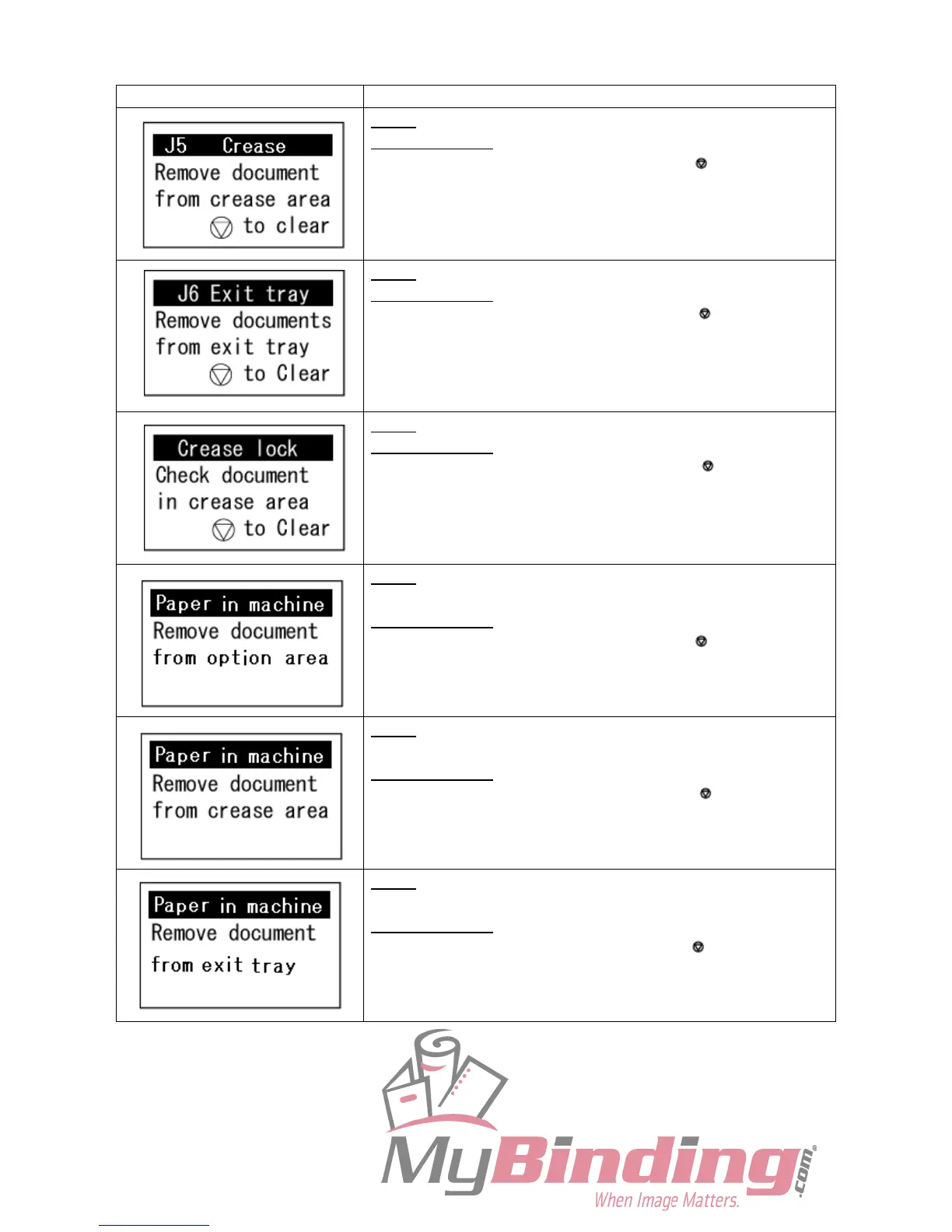
Status: Paper jam in the crease area.
Countermeasure: Remove the jammed documents from the
crease area and press the STOP key.
Status: Paper jam in the paper exit area.
Countermeasure: Remove the jammed documents from the
stacker tray and press the STOP key.
Status: Check paper jam in the crease area.
Countermeasure: Remove the jammed documents from the
crease area and press the STOP key.
Turn off the power and then turn on the power again after a few
seconds. Contact service person if the error remains.
Status: Check paper jam in the option area when the power is
turned on.
Countermeasure: Remove the jammed documents from the
option area, and press the STOP key.
Status: Check paper jam in the crease area when the power is
turned on.
Countermeasure
: Remove the jammed documents from the
crease area, and press the STOP key.
Status: Check paper jam in the paper exit area when the power
is turned on.
Countermeasure: Remove the jammed documents from the
stacker tray and press the STOP key.



 To Next Page