Press “TOOL TO SELECT”
There are SP1~SP8 for select the tool Name. You can name the Number for different tools as your
needs.
For Example: SP1: knife SP2: Wheel
17.3 Tool Depth Set-Up
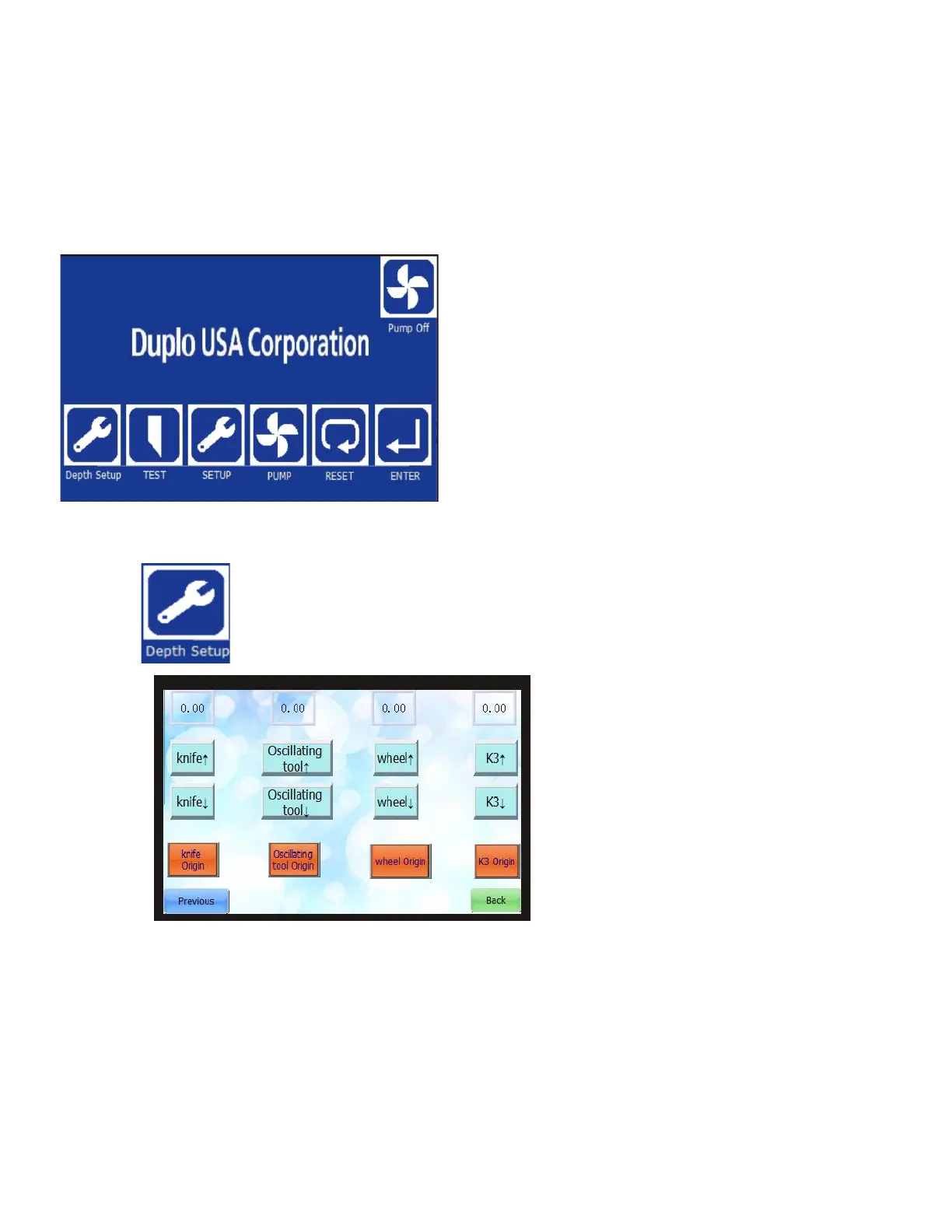
Press
a. You can find Knife/Oscillating tool/wheel/K3 tools name with up/down button.
b. Select one tool then Press down button until the blade sharp point touch to the mat.
c. Click the “Origin” button to save the depth while you make the blade touch to the mat.
d. After depth saved, you can find the value as shown below:



 To Next Page