16. Data Transfer Settings
16.1 Computer Setup
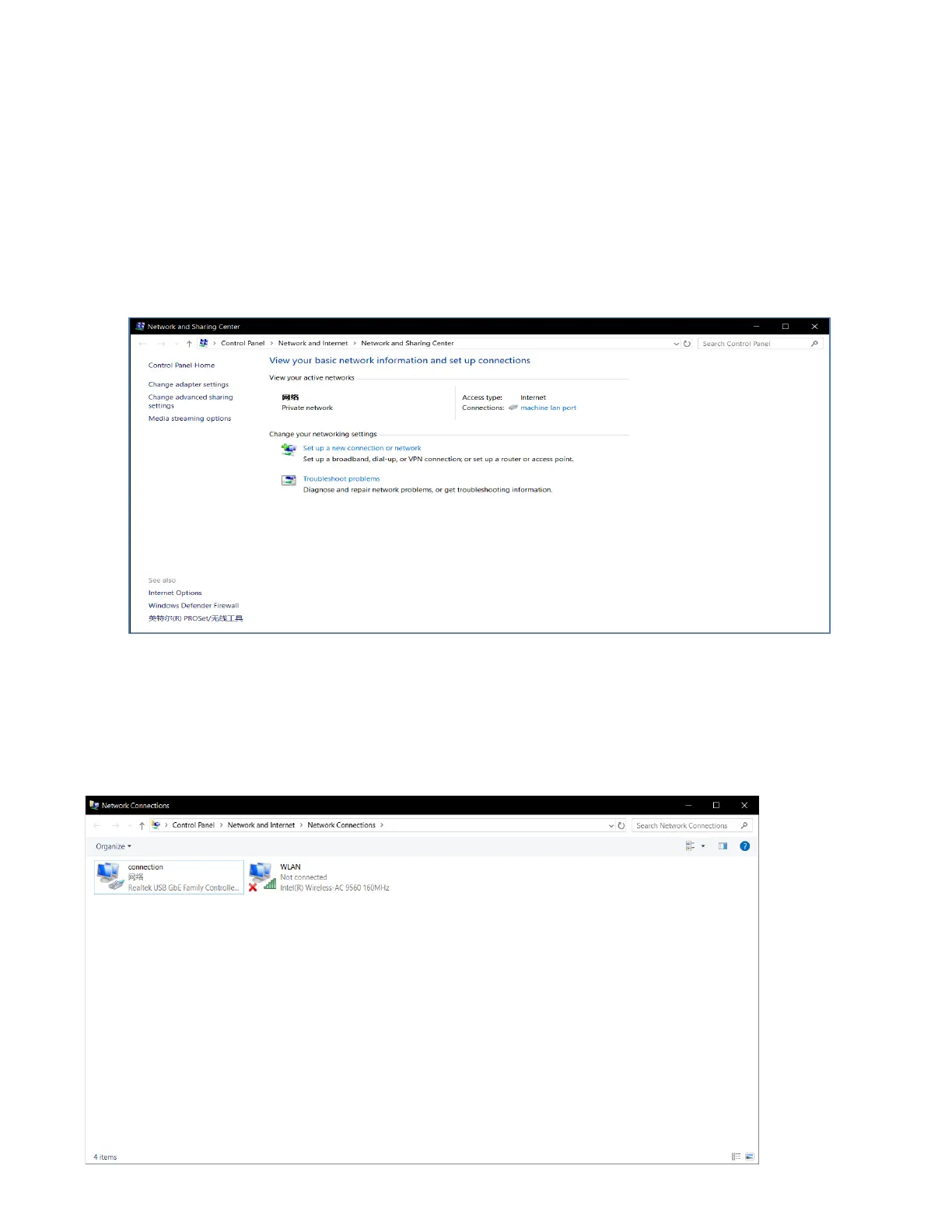
While Computer started and ready, find the "network" icon on the desktop, right-click the network icon
and Select Properties, Enter into the network and share center window, click "change adapter
settings".
After Click “Change Adapter Settings” to enter the local connection Window, Right - click on the Relevant
local connection, Click "properties ", Double click \Protocol version 4 to enter IP settings, Select “use
following IP Address”, then you can define the ip what you need.
For example:192.168.0. XXX. Click OK to save and close the local connection control panel after
completion.



 To Next Page