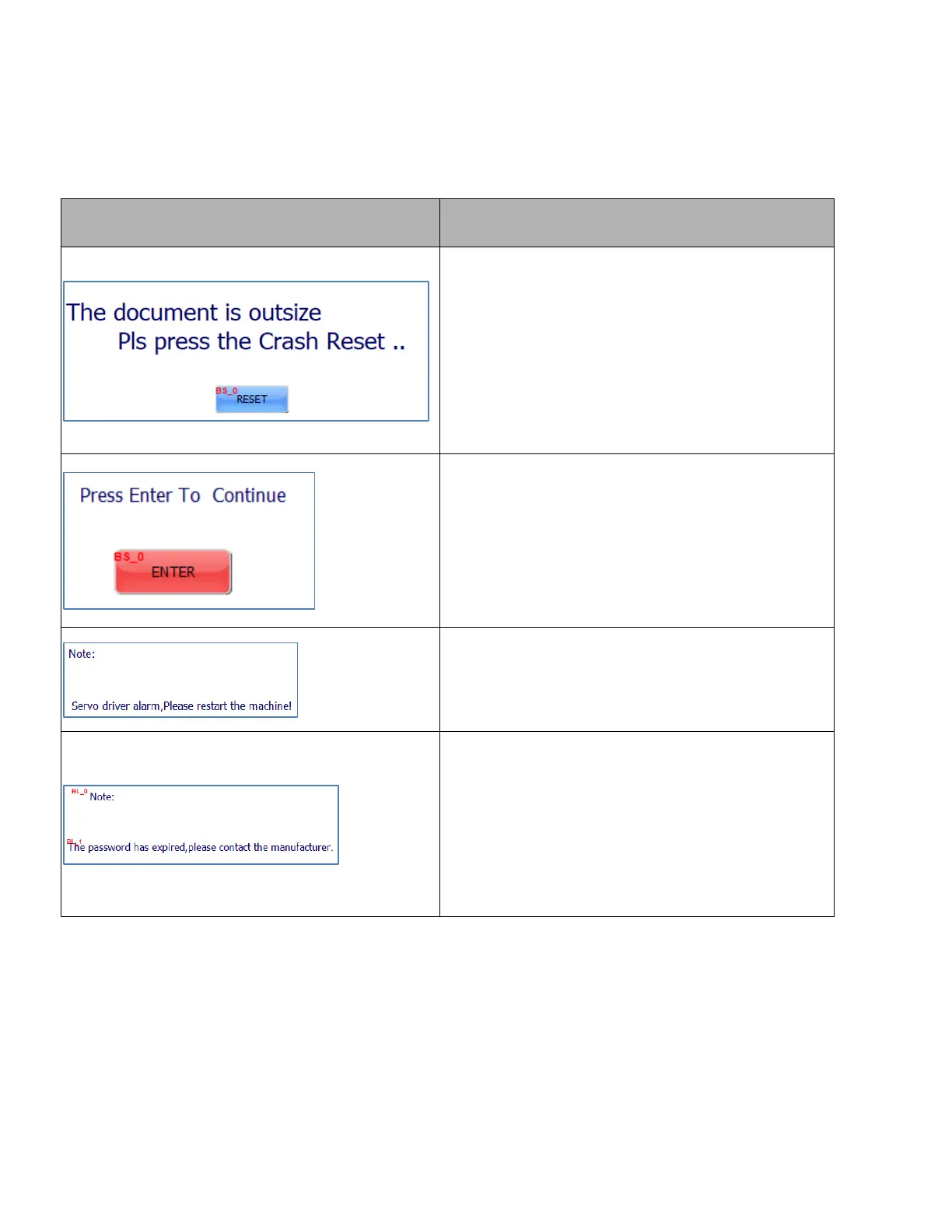
18. Touch Screen Common Alarm Information
1.If the sample exceeds the effective format of the
cutter, please set up the size in DocuCutter
software.
2.Sample beyond the DocuCutter effective
typesetting position, please move the sample to
the DocuCutter effective typesetting area.
This information is a security protection item while
cutting job finish and it will pop up, after click
ENTER then cutter will continue next page or turn
to standby. If you do not need it and you can turn
off by PG Enter option.
This information is a cutter self-check item, while
screen shows it, you need to check servo drivers
whether display alarm code.
After this prompt, please contact the Duplo dealer
directly.



 To Next Page