Making Connections
EN-33
NOTE
If the device that you want to add does not appear on the screen, please
check if the device is turned on and is discoverable.
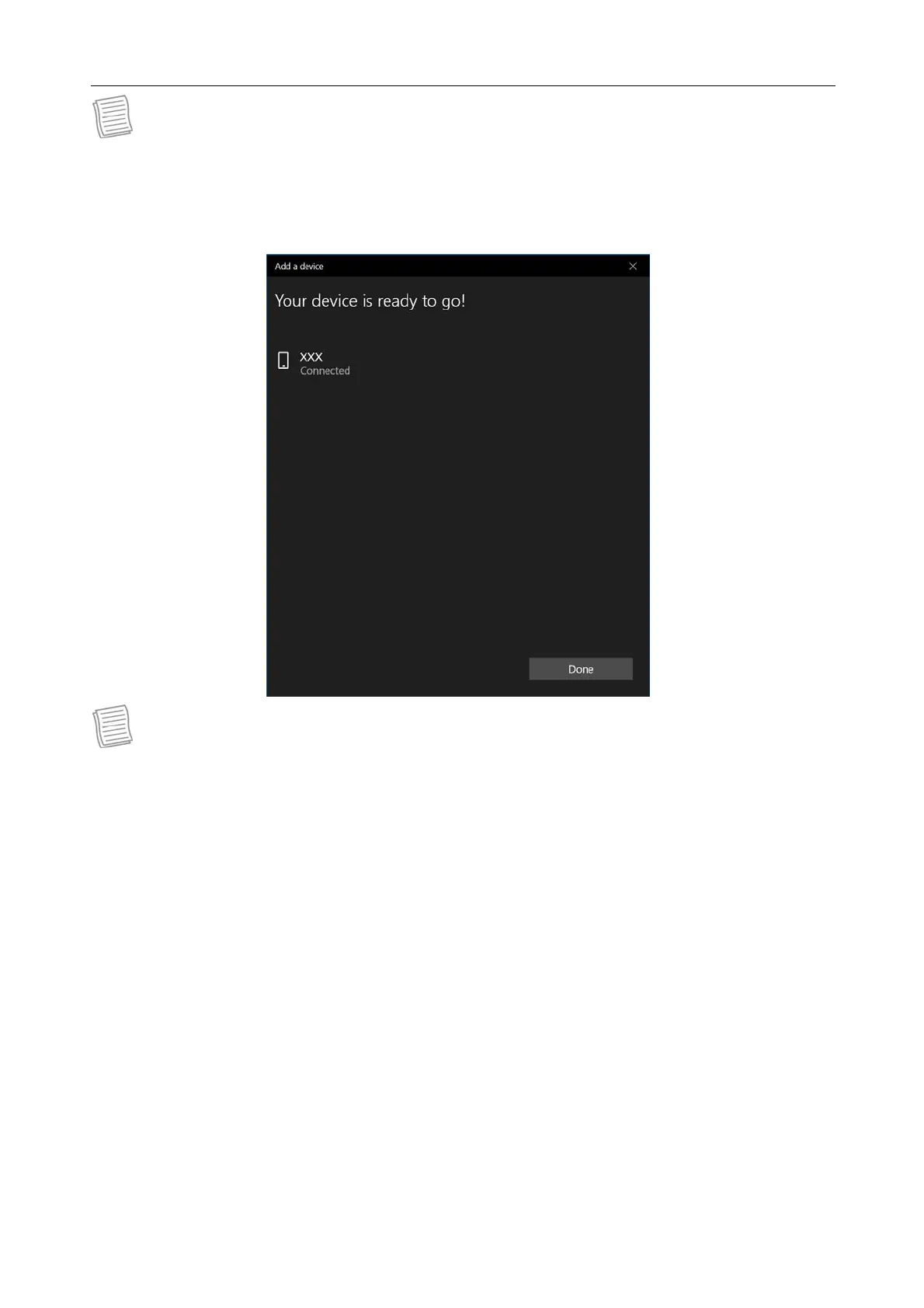
5. Tap Done to complete the pairing connection.
NOTE
Most Bluetooth-enabled devices need to be paired with your tablet PC. The
PIN you enter on the tablet PC must be the same PIN to be entered on the
other Bluetooth device.
Once a partnership has been created, connecting to that device again will no
longer require entering the PIN.
To disconnect from the Bluetooth-enabled device, select the device in the
Bluetooth menu and tap Remove device.



 To Next Page