Making Connections
EN-34
Connecting to a Wireless Local Area Network
Your tablet PC comes with a WLAN module. A wireless network can be added
either when the network is detected or by manually entering the settings
information.
To connect, follow the steps below:
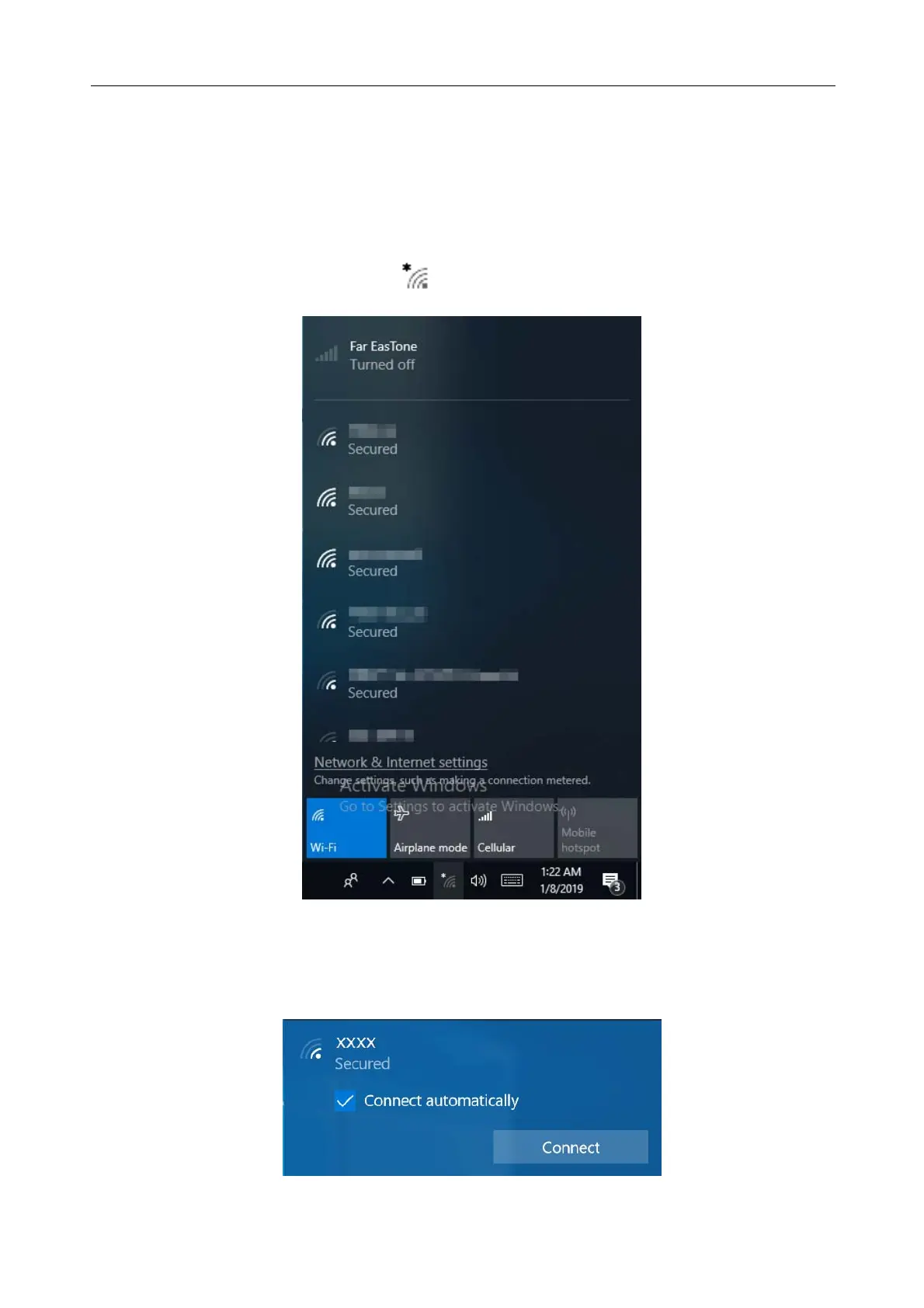
1. Tap the wireless network icon ( ) on the system tray.
2. Available wireless network connections are displayed. Tap the desired
wireless network.



 To Next Page