Operating Your Notebook
EN-20
Viewing the Version Information
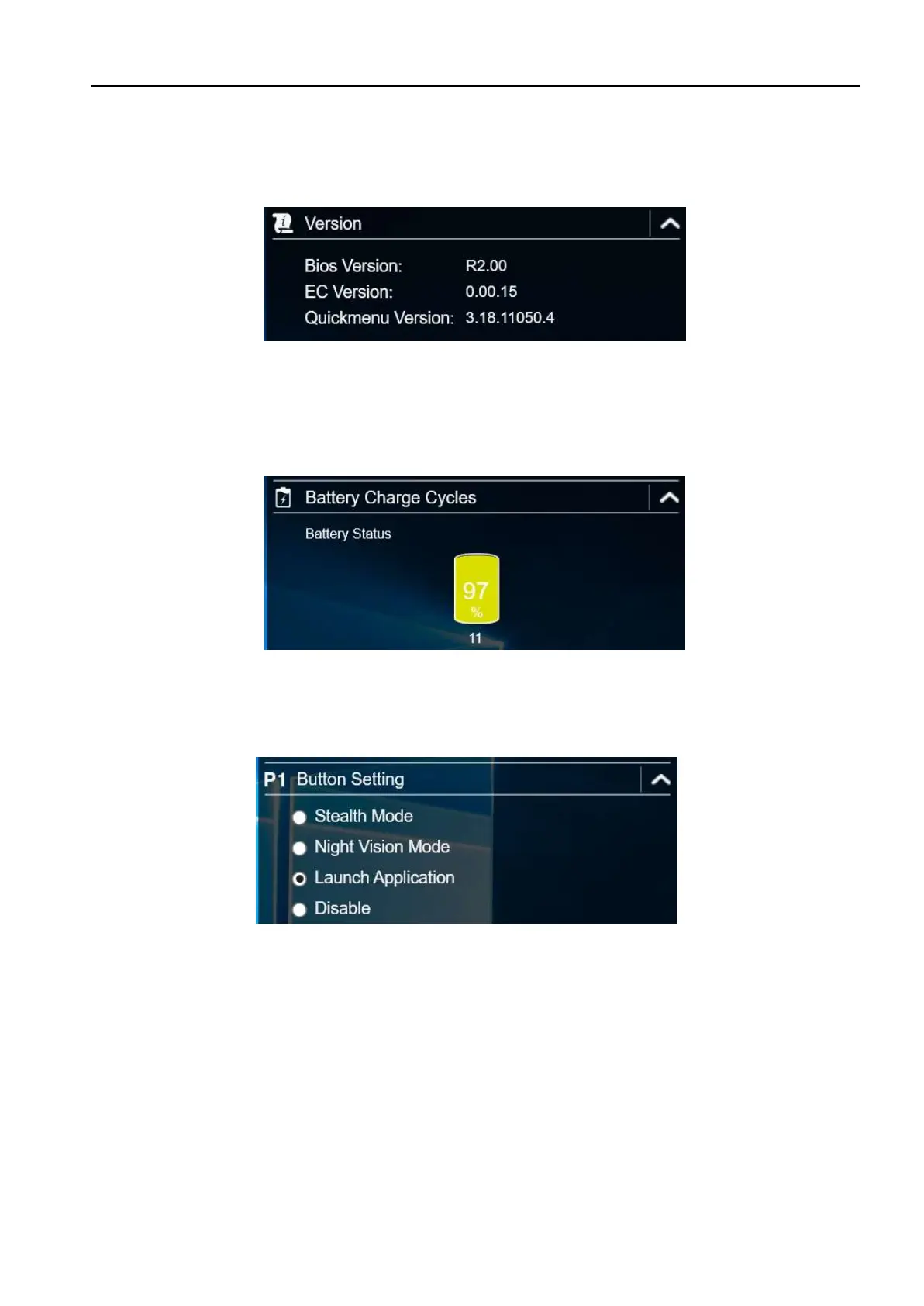
In the Version section, you can view the Bios version, EC version, and Quick Menu
version.
Viewing the Battery Charge Cycles
In the Battery Charge Cycles section, you can view the battery charge cycle and
battery status.
Configuring the Programmable Button (P1)
In the P1 Button Setting section, you can assign the function for the P1 button.
There are three available options:
Stealth Mode: Turns off the LCD backlight, LEDs, speakers, and camera flash.
Night Vision Mode: Adjusts the brightness of the LCD under 1.7 nits and
turns off the LEDs and camera flash.
Launch Application: Shortcut key for launching specific applications. To
assign the application, refer to the “Assigning an Application to the P1/P2
Button” section.
Disable: No function.



 To Next Page