Making Connections
EN-44
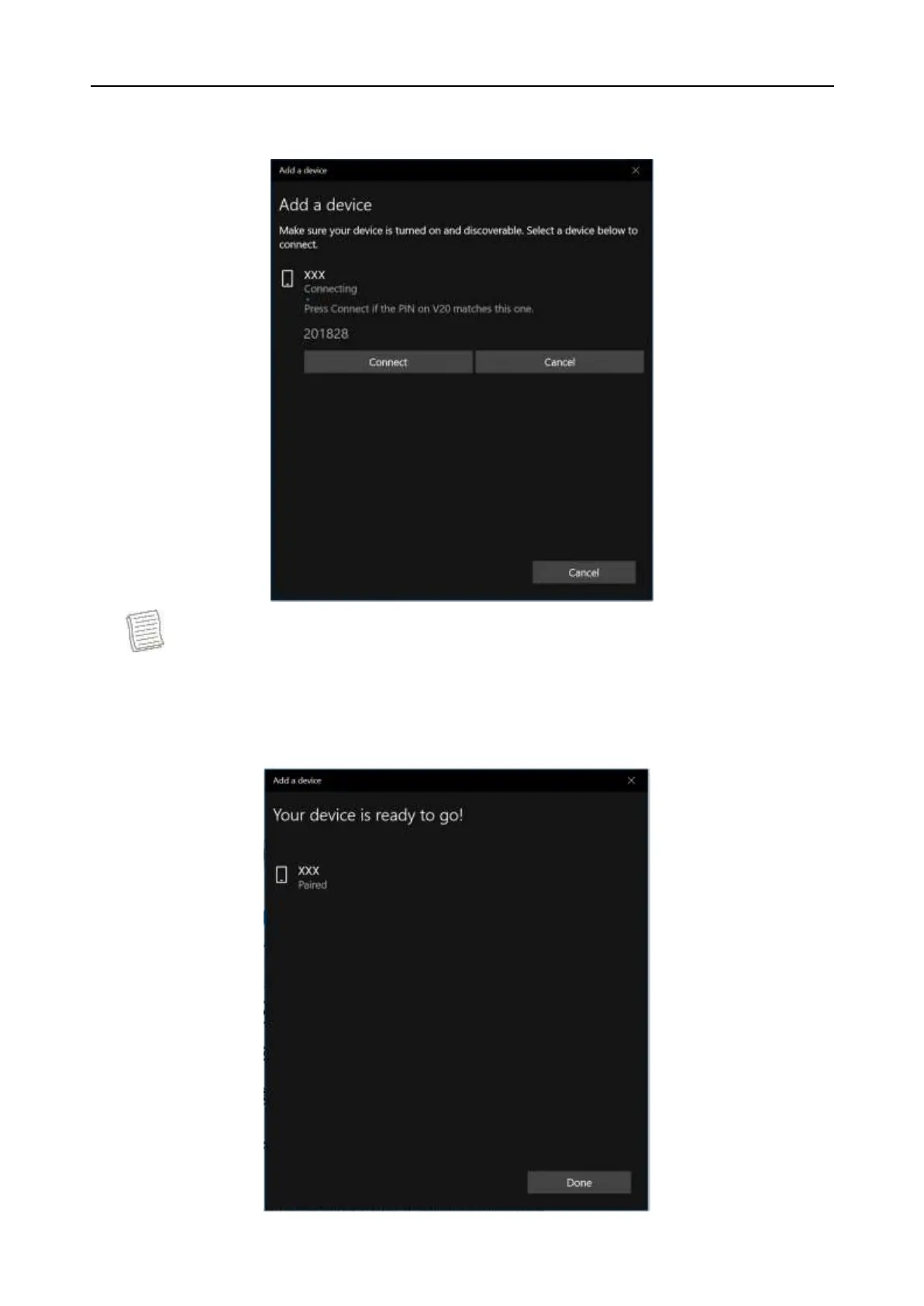
5. Select the device you want to connect. Verify the pairing code on the screen
of your device and pairing device match, then tap Connect to start pairing.
NOTE
If the device that you want to add does not appear on the screen, please
check if the device is turned on and discoverable.
6. Tap Done to complete the pairing connection.


 To Next Page