Making Connections
EN-47
3. Tap Connect.
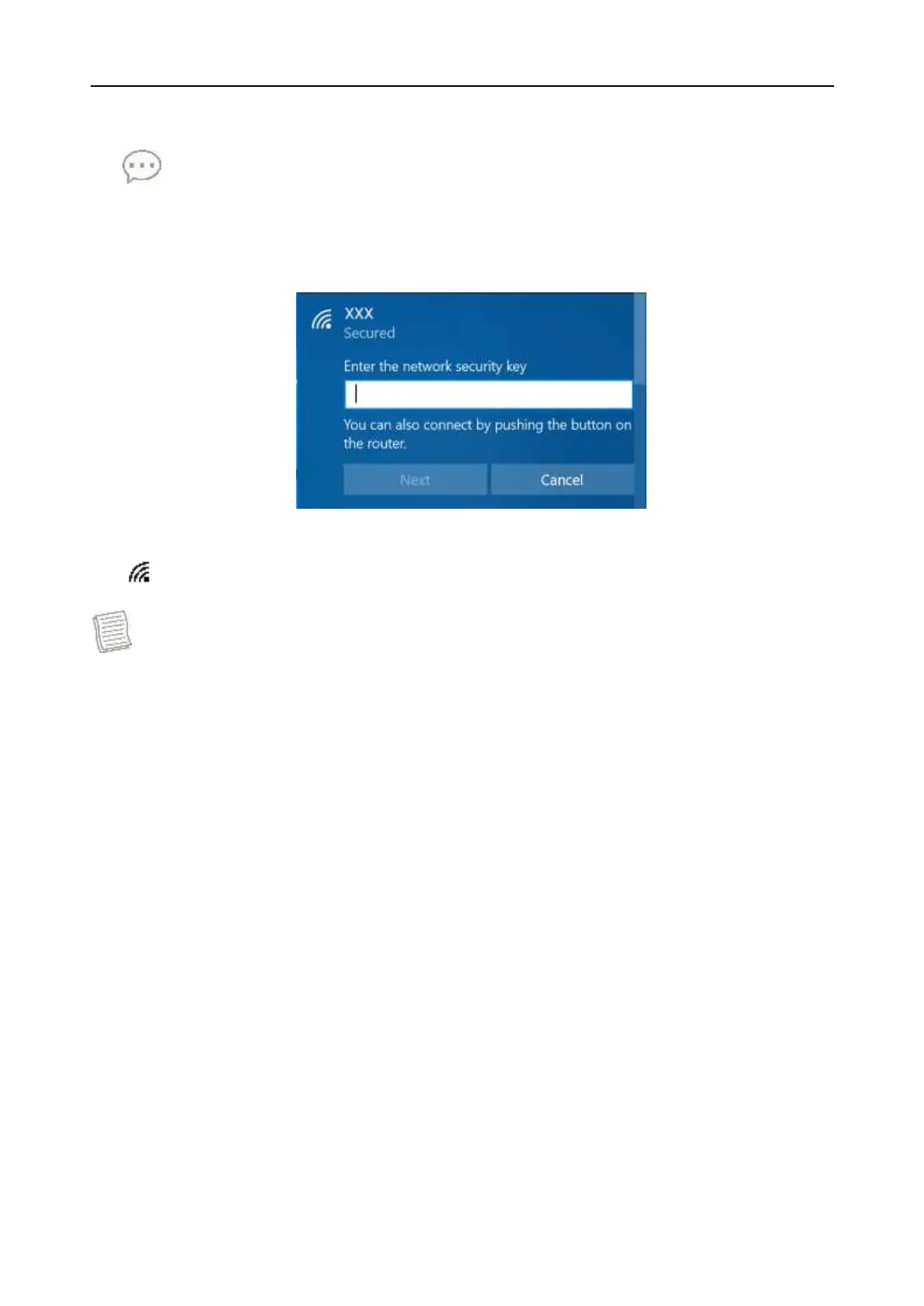
Some networks require a network security key or a password.
TIP
Check the Connect automatically box to automatically connect to this
network when it is available.
4. Enter the network security key.
5. Tap Next. After the connection is established, you can see the wireless icon
( ) in the Notification area.
NOTE
Wi-Fi access requires service from a wireless service provider. Contact your
service provider for more information.
Actual wireless connectivity will depend on the system configuration. Please
contact your dealer for more information.
To disconnect from the wireless network, select the network in the wireless
network list and tap Disconnect.


 To Next Page