Troubleshooting
Troubleshooting will help
you
identify the common problems
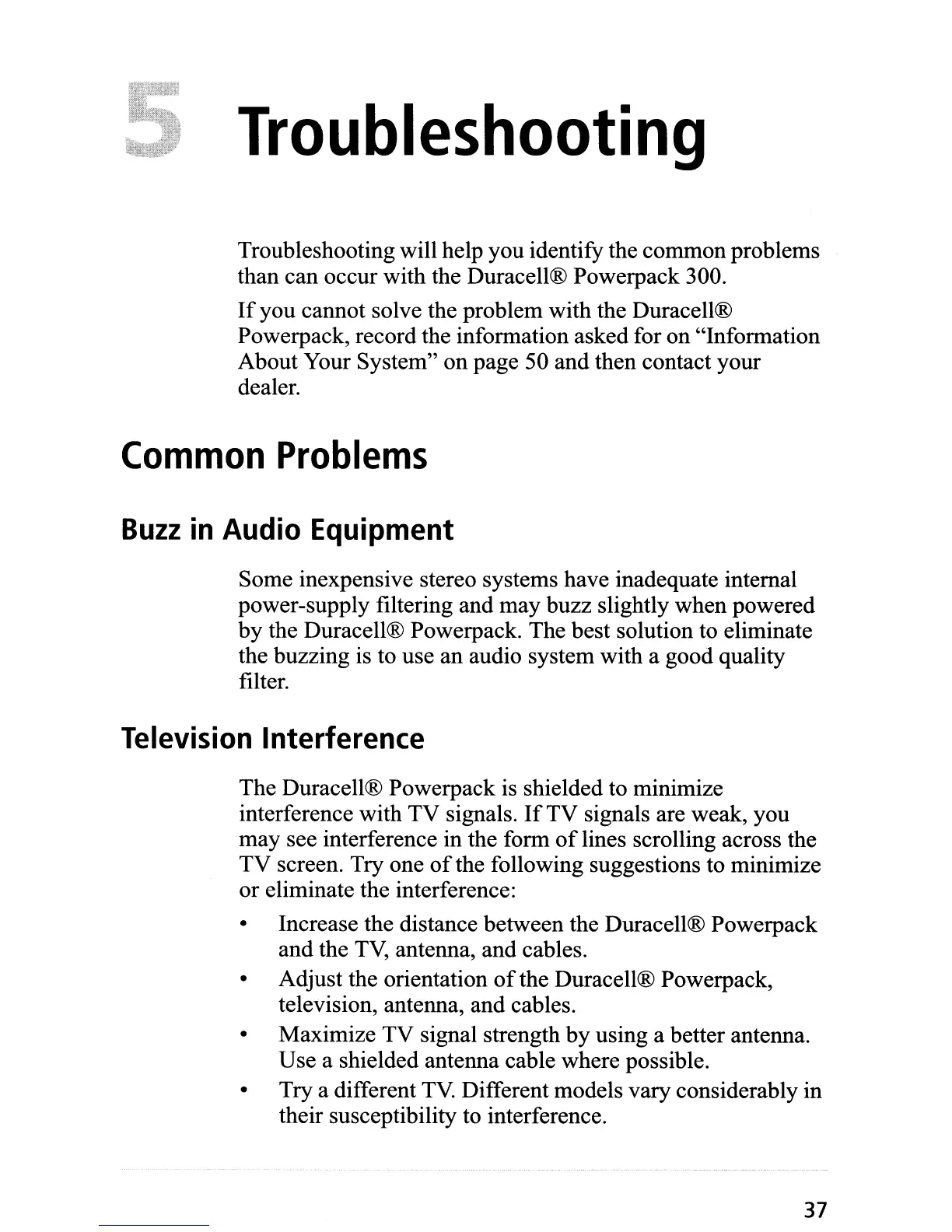
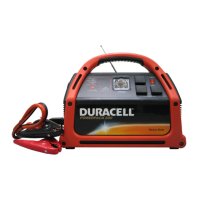
than can occur with the Duracell® Powerpack 300.
If
you
cannot solve the problem with the Duracell®
Powerpack, record the information asked for
on
"Information
About Your System"
on
page 50 and then contact your
dealer.
Common
Problems
Buzz
in
Audio Equipment
Some inexpensive stereo systems have inadequate internal
power-supply filtering and
may
buzz slightly when powered
by
the Duracell® Powerpack. The best solution to eliminate
the buzzing is to use an audio system with a good quality
filter.
Television Interference
The Duracell® Powerpack is shielded to minimize
interference with
TV
signals.
If
TV
signals are weak, you
may
see interference in the form
of
lines scrolling across the
TV
screen. Try one
of
the following suggestions to minimize
or
eliminate the interference:
•
•
•
•
Increase the distance between the Duracell® Powerpack
and the
TV,
antenna, and cables.
Adjust the orientation
of
the Duracell® Powerpack,
television, antenna, and cables.
Maximize
TV
signal strength
by
using a better antenna.
Use a shielded antenna cable where possible.
Try a different
TV.
Different models vary considerably in
their susceptibility to interference.
37


 To Next Page