8.5.3.- Offset step range:
● Offset step refers to the offset value for TX frequency to RX frequency.
● Rotate the [MENU] knob to select the offset step or input the offset value from microphone
keypad.
● Once selection done, press the [MENU] knob for confirmation.
>> Screen will display “Saved”.
6. Press the [B/E] key to back to previous menu.
Notes:
- If the offset step frequency beyond the allowable frequency band range, the transmission
will be prohibited.
To solve it, you could try the following methods:
● Increase the RX frequency under frequency band.
● Change the offset direction.
- Users fail to change the offset direction if to use the memory RX or TX frequency.
9.- ADVANCED OPERATION:
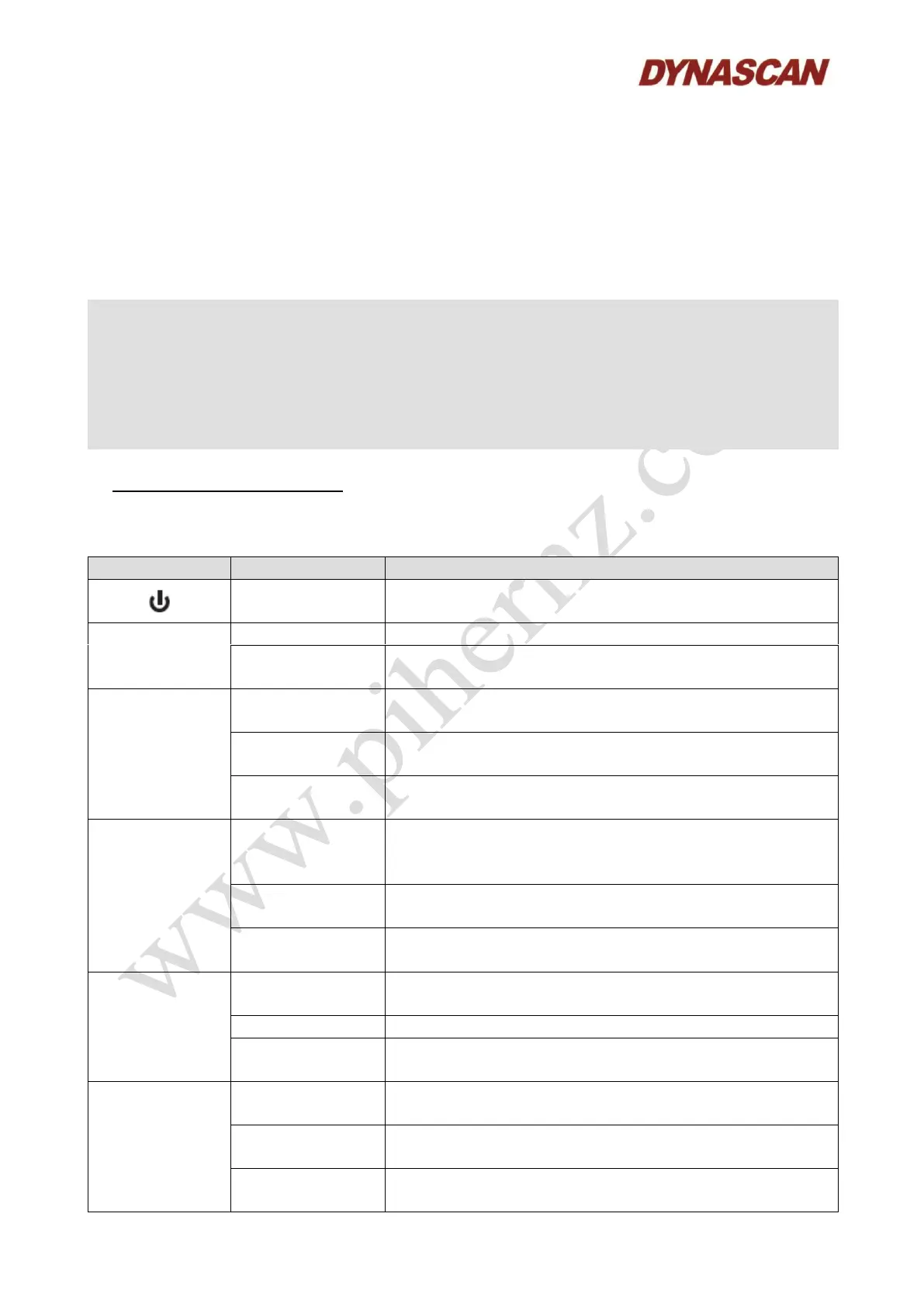
9.1.- KEYPAD OPERATION AND DESCRIPTION:
Press and hold for
3 seconds
Turn ON/OFF the transceiver.
To select the current available transmitting (PTT) band.
Press and hold for
3 seconds
To select the currently operation band (CTRL) and
transmissible (PTT) band.
To retrieve the call channel from the currently operation
band (CTRL).
To exit the call channel mode from currently operation
band (CTRL).
Press and hold for
3 seconds
Under VFO mode, it can save the currently operation
band (CTRL) frequency as call channel frequency.
To the working display mode for currently operation band
(VFO / Channel number + frequency / Channel number +
channel name).
Press and hold for
3 seconds
Be able to save the channel number under VFO mode.
Press and hold for
3 seconds
Be able to channel name under VFO mode.
To adjust the volume output for currently operation band
(CTRL).
Activate the mute mode, to unmute it by press it again.
Press and hold for
3 seconds
Turn ON/OFF the scan for currently operation band
(CTRL).
To adjust the squelch (SQ) level for currently operation
band (CTRL).
Could be used as left cursor under channel naming or
quick setting the frequency mode.
Press and hold for
3 seconds
Turn ON/OFF the squelch of currently operation band
(Monitoring).



 To Next Page