C
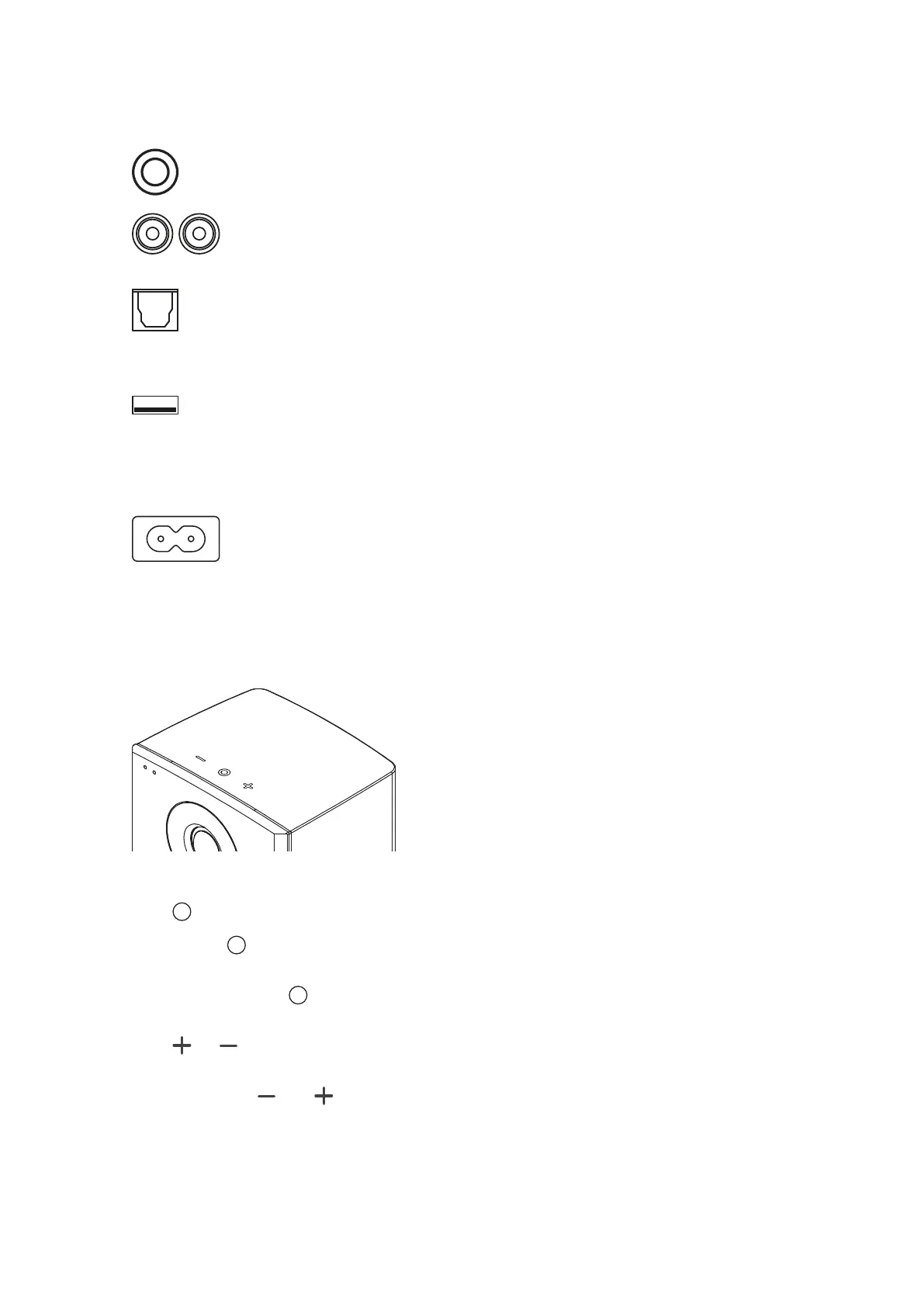
Aux In: To connect an analog audio source to the speaker via mini jack.
Line In: To connect an analog audio source to the speaker via RCA.
D
Optical In (Toslink): To connect a digital audio source to the speaker.
E
USB In
For firmware update only.
F
Mains socket
To connect the speaker to the mains voltage.
Buttons on Top of the Cabinet (Xeo 10)
Speaker On / O
▪ Press to switch on the speakers. The Xeo 10 will scan the inputs for a signal.
▪ Press and hold to switch o the speakers.
Input selection
▪ When switched on, press to jump to another input.
Volume control
▪ Press or to raise or lower the volume level. Press and hold for faster adjustment.
Bluetooth Pairing
▪ Press and hold both and to start pairing.
12 Xeo User manual



 To Next Page