Connecting and Setting Up
Positioning and connecting to mains voltage
▪ Position the speaker in the desired location.
▪ Do not expose the speaker to direct sunlight, heat, or moisture.
▪ Do not place the speaker near devices with strong electromagnetic radiation or devices that could be destroyed or
damaged by magnetic fields.
▪ Use the power cable to connect the speaker to the mains voltage.
Tip Xeo 10:
▪ For easier access, the plate at the bottom of the cabinet can be removed. Use a coin or screwdriver to loosen the screw
and attach the plate after connecting the power cable.
Cloth cover
The cloth cover has been designed so it does not influence the sound dispersion of the speaker. It is attached to
the housing with magnets and may be removed if needed.
General settings
In stereo mode:
▪ Select Left operating mode for the left speaker.
▪ Select Right operating mode for the right speaker.
▪ Set the speaker position switch that best describes the speaker’s need for
acoustic compensation.
▪ Neutral = with free-standing placement
▪ Wall = if placed near a wall
▪ Corner = if placed in a corner
▪ Select the Red, Green, or Blue zone. Select the same zone for the right
and left speakers. For additional information about the audio zones, see
“Division Into Audio Zones”.
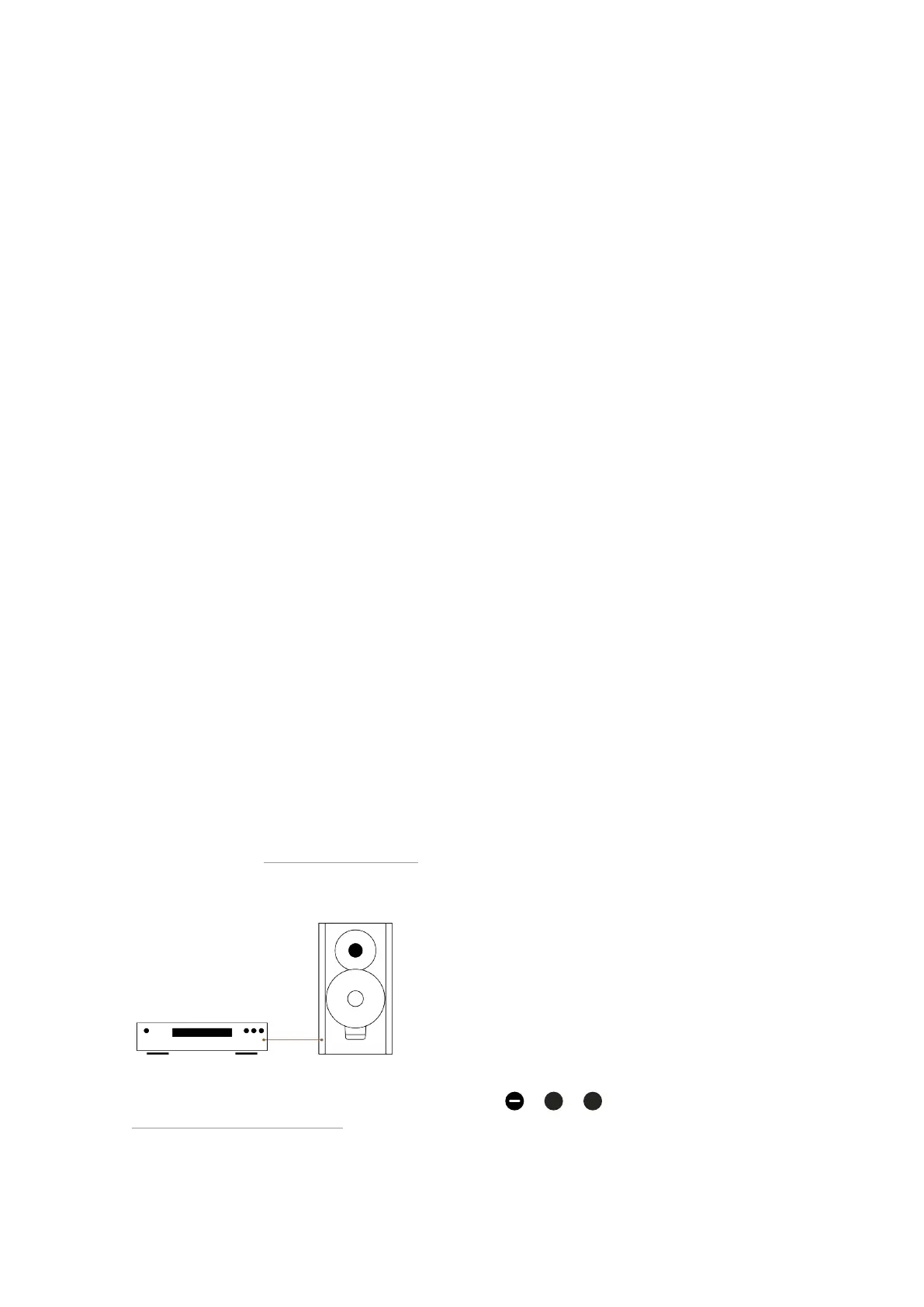
Connecting sources directly
▪ Connect your source cables to one or more of the audio inputs ,
,
of the master speaker – see
“Connections and Control Elements”.
After it is turned on, the speaker automatically searches for an audio signal and then plays it back immediately. If
14 Xeo User manual



 To Next Page