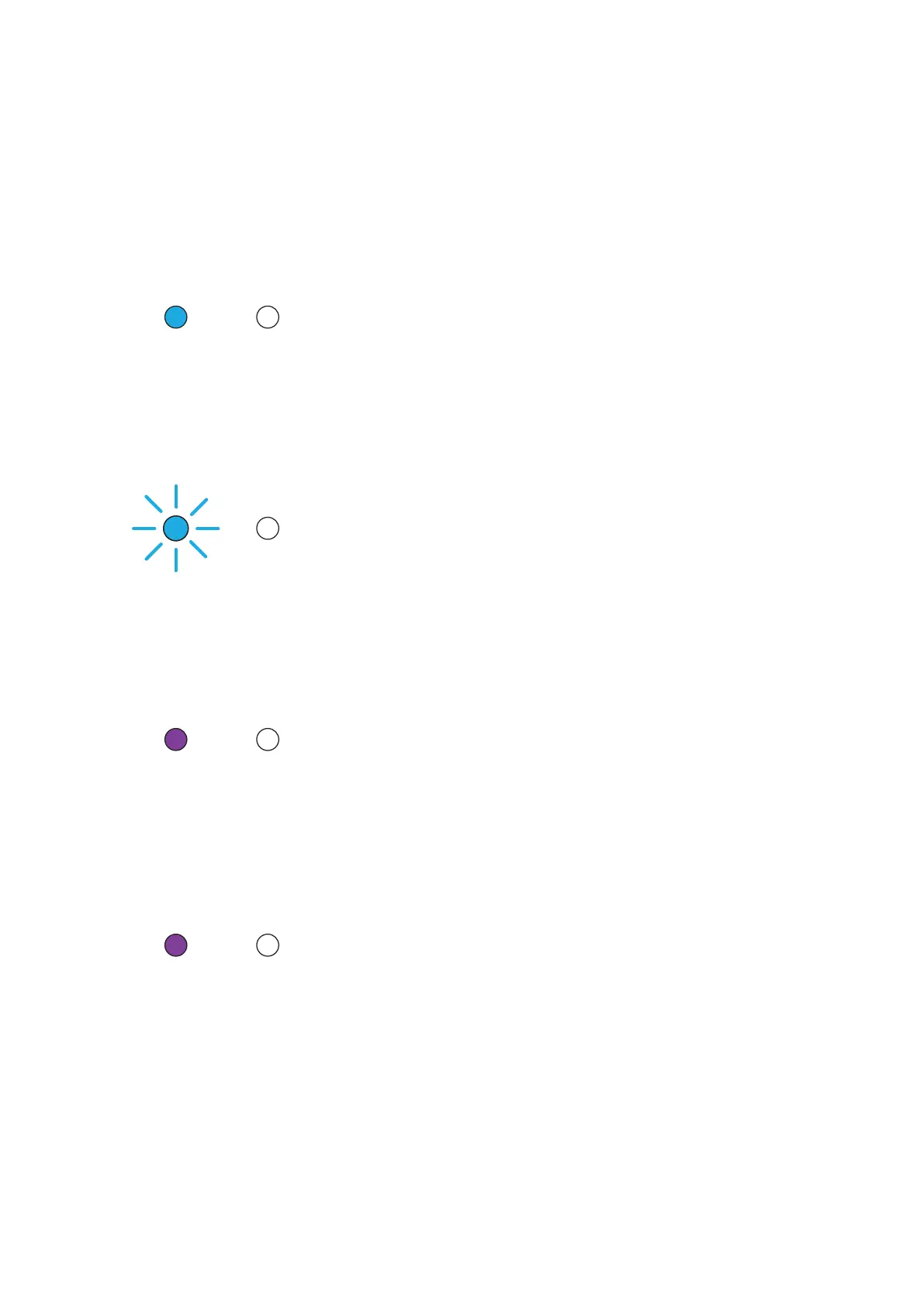
Status LEDs on the front
The two LEDs in the upper left corner of the cabinet front indicate the operational state of the speakers and
system with various colours and blinking functions.
On state
Illuminated in blue
The speaker is switched on, connected to a Hub or Connect, and an audio signal is played back.
On state
Slow blinking in blue
The speaker is switched on, connected to a Hub or Connect, but an audio signal cannot be found.
On state
Illuminated in purple
The speaker is switched on, connected to a local input, and an audio signal is played back.
On state
Slow blinking in purple
The speaker is switched on, connected to a local input, but an audio signal cannot be found.
18 Xeo User manual



 To Next Page