several signal sources are active, one of the signal sources will be played back.
Tip (Xeo 10):
▪ For easier access, the plate at the bottom of the cabinet can be removed. Use a coin or screwdriver to loosen the screw
and attach the plate after connecting the power cable.
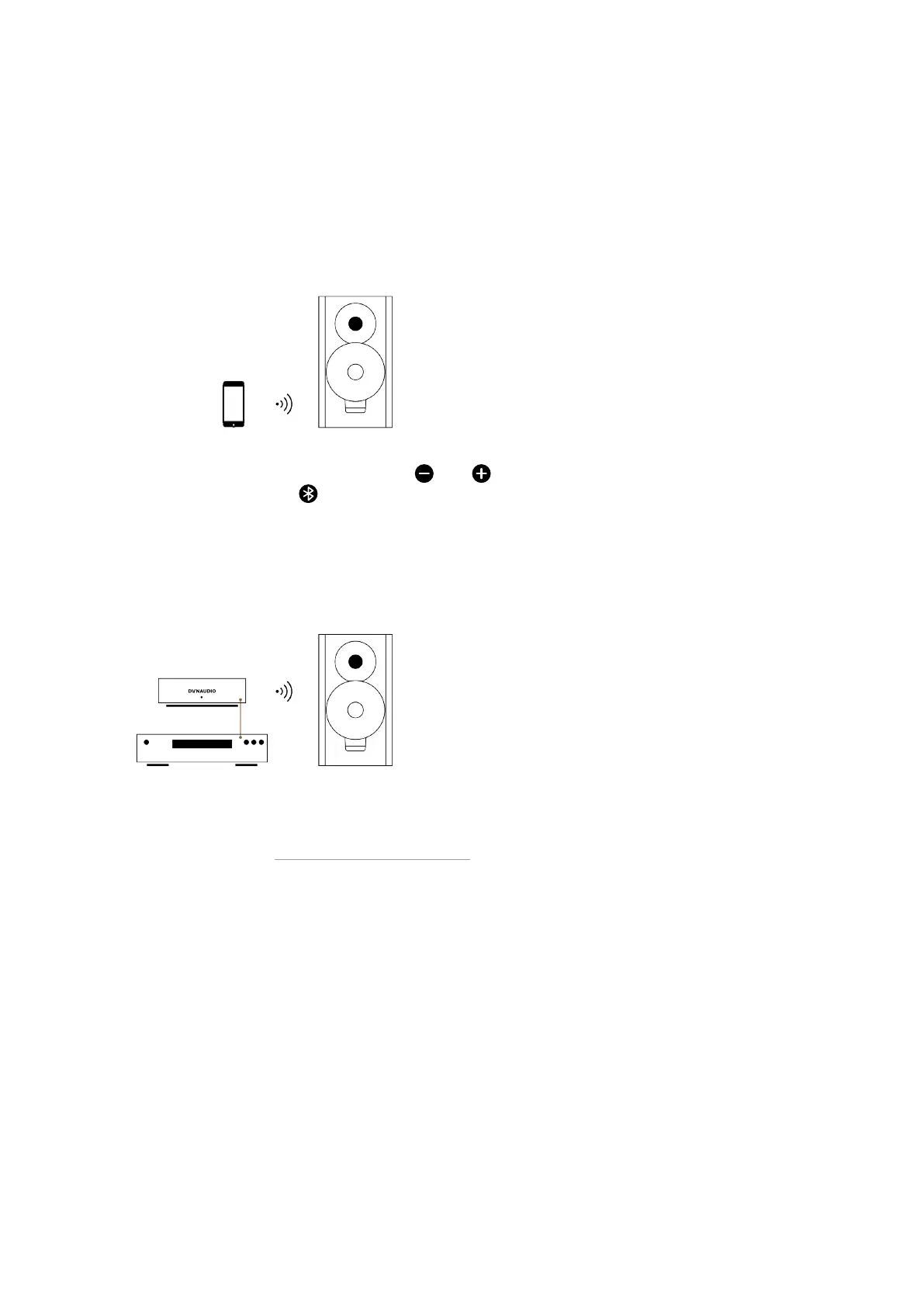
Connecting a Bluetooth device
1. To begin Bluetooth pairing, press and hold both and buttons on either one of your speakers (Xeo 10).
Alternatively, hold Bluetooth on remote for 5 seconds.
Once available for pairing, the status indicator will blink white and it will be available for pairing for one minute.
2. Go to settings on your device, find the Bluetooth sub-menu, and simply pair your device with your Xeo speaker by
selecting Red, Green, or Blue. The speaker will store your pairing.
Connecting sources via Hub or Connect
Xeo Hub and Dynaudio Connect are optional components that allow you to connect analog and digital sources
and are linked with your Xeo speaker via a wireless, lossless signal. For further information about the complete
Xeo system, please see “Components of the Xeo System”.
Connecting and Setting Up 15



 To Next Page