Components of the Xeo System
Xeo consists of several high-quality components that are optimally matched. When combined, they can fulfil the
most demanding requirements for a wireless multi-room and multi-source system.
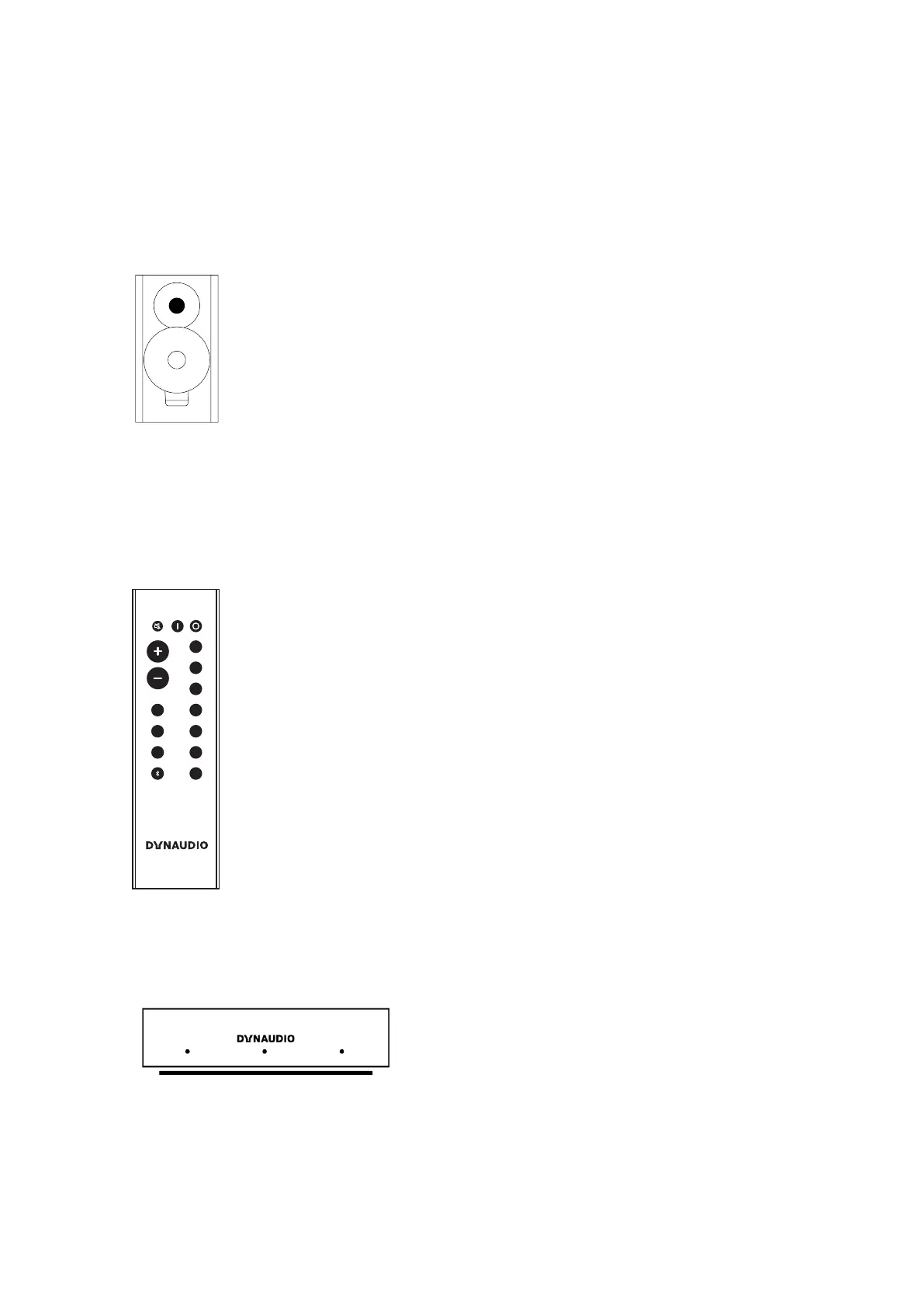
Xeo speakers
The active Xeo speakers Xeo 10/20/30 receive the wireless signals from the Hub or Connect and play them back
in optimal sound quality. In addition, the Xeo 10/20/30 can be connected directly to various audio sources. All
speakers have an integrated amplifier and can be controlled with a remote control. Display elements indicate the
operating state of the system and controls on the cabinet let you switch it on/o or change the volume without
using the remote control.
Xeo remote control
VOLUME
DIRECT
MUTE ON OFF
HUB
1
2
3
4
Line
Line
Opt
Opt
Aux
Coax
USB
A
B
C
The Xeo remote control can be used to turn the speakers on and o, change the volume, and select a Hub or
Connect and its connected signal sources.
Dynaudio Connect and Xeo Hub
30 Xeo User manual



 To Next Page