Powerbox Pro series User Manual
14
In the process of unpacking, handle with care and protect the surface coating of the
object.
Open the package, the professional installation personnel should read the technical
documents, verify the list, according to the configuration table and packing list, ensure
objects are complete and intact. If the internal packaging is damaged, it must be
inspected and recorded in detail.
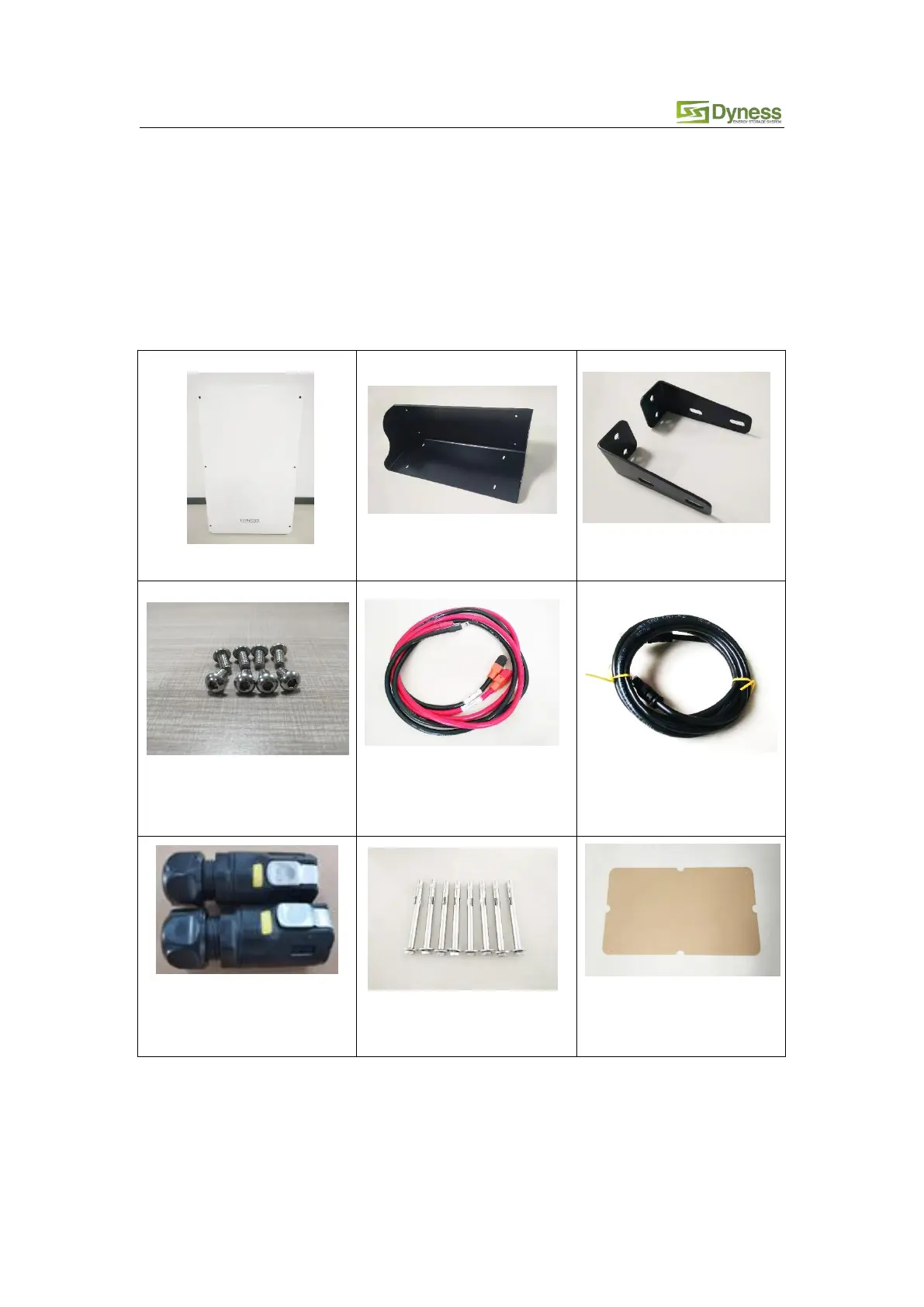
Packing list is as follows:
Battery bottom bracket ×1
M6 bolt ×8
Fixing battery box with
battery bracket
Power cable ×1 pair
connect battery with DC
breaker
Standard
communication cable×1
RJ45 Waterproof connector
×2



 To Next Page