Powerbox Pro series User Manual
30
4 Use, maintenance and troubleshooting
4.1 Battery system usage and operation instructions
After completing the electrical installation, follow the instruction below to start the
battery system.
1.Check whether the breaker is in OFF state.
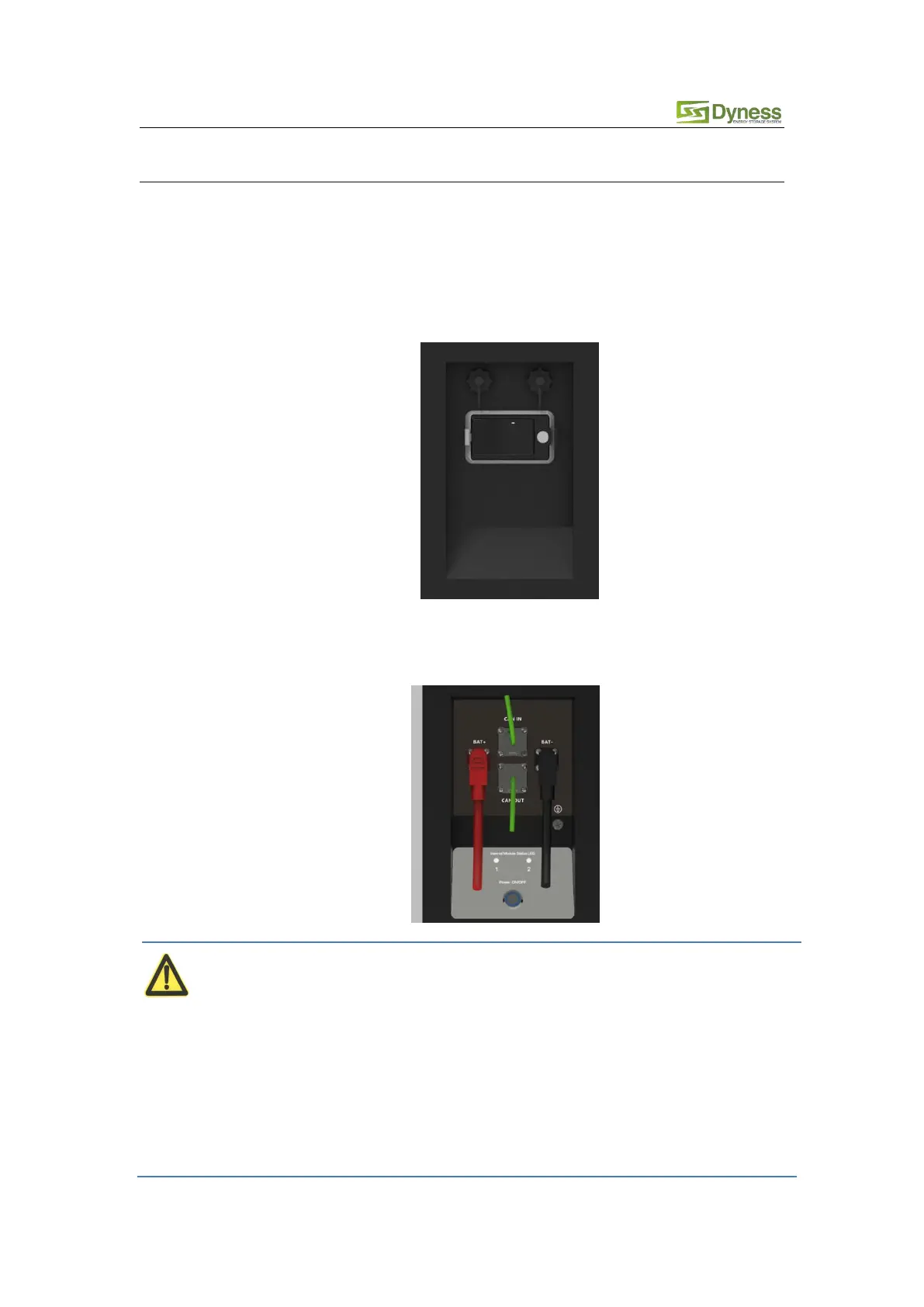
2.Press the battery power button, the power button LED light is on, and 2 LED indicator
lights will be on and show the green color after self-check.
After pressing the power button, if the battery status indicator lights shows abnormally, please
refer to the "4.2 Alarm description and processing". If the failure cannot be eliminated, please
contact the retailer timely.
After pressing the power button, if the battery status indicator continues to be red, please refer
to the "4.2 Alarm description and processing". If the failure cannot be eliminated, please contact
the retailer timely.



 To Next Page