From lab to production,
providing a window into the process
-15-
www.dynisco.com
Rev: n/aP/N: n/a ECO: n/a
Release both keys and press within 3 seconds to conrm the request. The display should read 0
briey, then begin responding to input signal changes.
Note: Tare request is aborted if this sequence is not followed exactly.
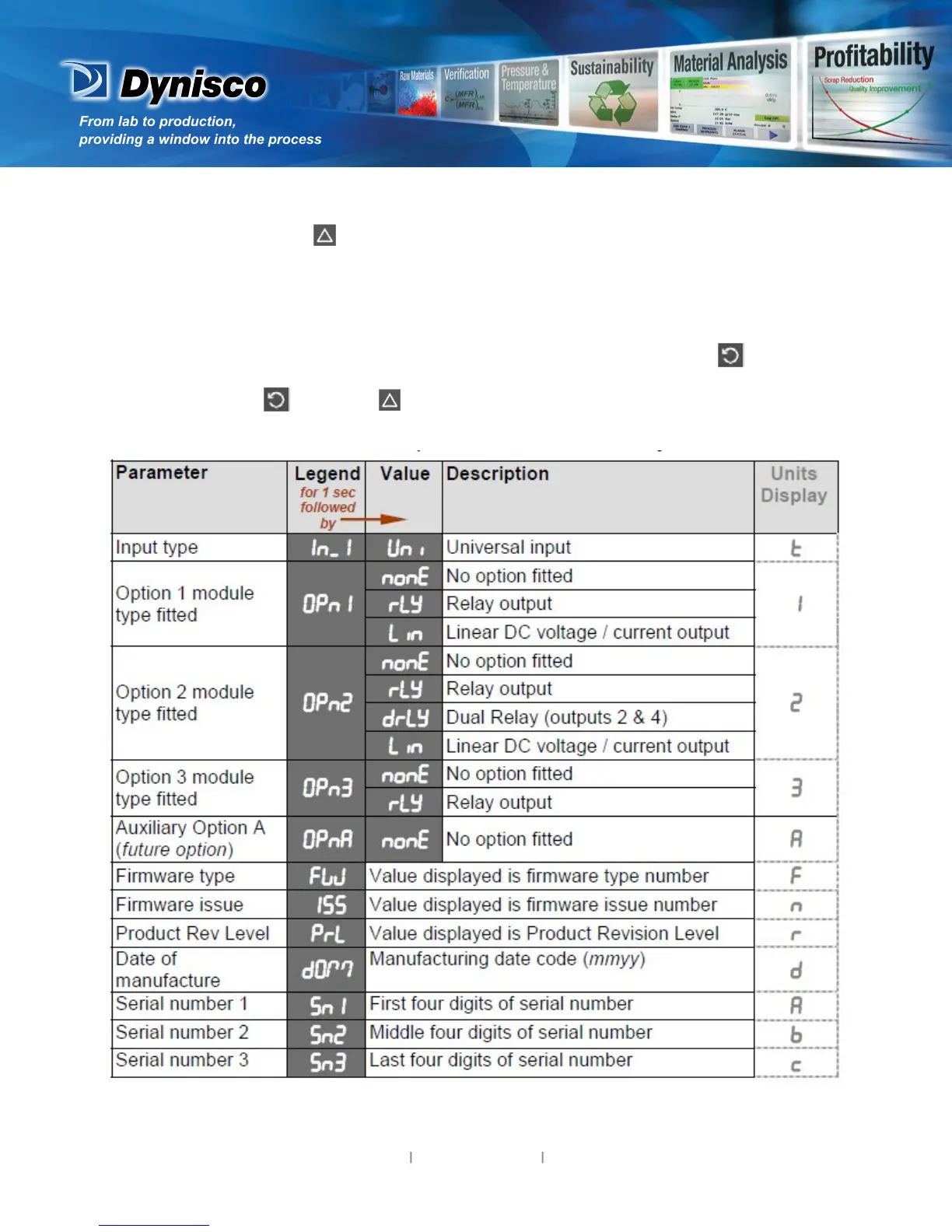
8. Product Informaon Mode
First select Product informaon mode from Select mode (refer to secon 2). Press to view each
parameter (while this key is pressed, and for 1 sec aer, the parameter legend is shown, followed by
its value). Hold down and press to return to Select mode.
Note: These parameters are all read only.



 To Next Page