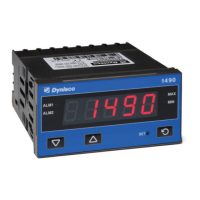
Need help?
Do you have a question about the Dynisco 1290 and is the answer not in the manual?
Steps for physically installing the indicator into a panel.
Instructions for connecting the indicator's power and signal wires.
Procedure for setting the full scale value of the indicator.
Steps for zero and full-scale calibration and initial operation.
Detailed steps and diagrams for panel mounting the indicator.
Procedure for entering and navigating the configuration and calibration modes.
Details on setting full scale readout, display filter, and input interrupt.
Settings for alarm 1 operative mode, action, masking, filter, and hysteresis.
Descriptions of error codes (Er 1, Er 6, Er 7, Er 38) and their causes.
Details on error codes (Er 39, Er 101, Er 201, Er 312, Er 402) and over-range indication.
 General
| Brand | Dynisco |
|---|---|
| Model | 1290 |
| Category | Touch Panel |
| Language | English |


 To Next Page