EasyManua.ls Logo

Dynisco 1480 - User Manual

Default Icon
17 pages
Print Icon
To Next Page IconTo Next Page
Loading...
From lab to production,
providing a window into the process
-1-
www.dynisco.com
Rev: n/aP/N: n/a ECO: n/a
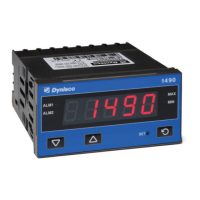
Dynisco 1480 1/8 DIN Indicator
Concise Product Manual 59471-5
Operang Manual
Question and Answer IconNeed help?

Do you have a question about the Dynisco 1480 and is the answer not in the manual?

Dynisco 1480 Specifications

General IconGeneral
BrandDynisco
Model1480
CategoryTouch Panel
LanguageEnglish

Summary

Installation

Installing Option Modules;Maintenance

Details the process of installing and maintaining option modules.

Rear Terminal Wiring

Select Mode

Configuration Mode

Setup Mode

Strain Gauge Calibration Mode

Messages & Error Indications

Operator Mode

Product Information Mode

Specifications

Related product manuals