29
20
21
STEP 5
ENDING THE SESSION
• Press key 1.
• Once the fan located inside the applicator is off (after 10
minutes or so), the power cord can be unplugged. The other
fans, located inside the base of the
will only stop
once the device is unplugged.
• Clean the glass tip of the applicator (optical guide) with
a damp cloth.
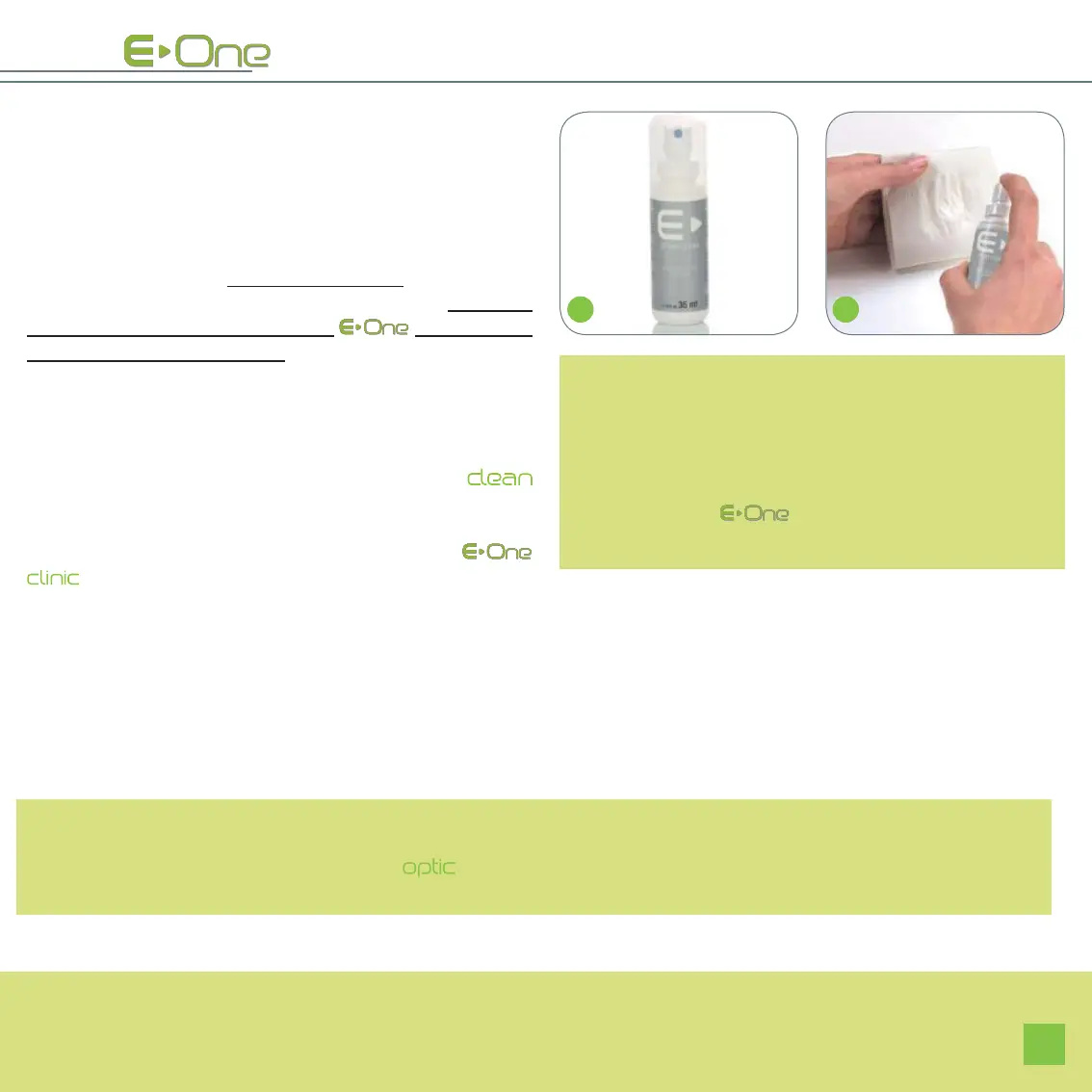
• Finish cleaning the optical guide with the spray
(images 20 and 21).
Once you have completed your treatment with the
, you must wait for the fans located inside the appli-
cator to turn off completely. This enables, among other
things, the optical parts to cool down properly. The fans
located in the base, for their part, only stop when the
device is unplugged.
In case of sensitive skin, and after a hair removal
session with the
do not use any hair removing
cream, for a whole week, on the areas that have been
flashed.
NOTES:
After the hair removal session, small red spots may
appear: this is a normal reaction and will disappear
quickly.
Once the hair removal programme has started, the device charges itself: vertical bars scroll at the bottom of the
touch screen, from right to left (where icon (22) is located). It also charges after each flash and precedes the display
of the number of remaining flashes on the cartridge.
If the device is idle for 15 minutes, it will automatically go into “pause” mode.
THE ______


 To Next Page