32
The cartridge should not be changed
before the asks you to do so. You will
no longer be able to reuse a cartridge that has
been changed earlier than needed.
This step must be performed with utmost caution. Any improper handling can result in permanent
damage to the applicator and to the
in a more general way. The warranty does not cover improper
handling. We therefore recommend you to be very attentive to the procedure to follow.
Apart from the classic procedure, only our technical department is authorised to ask you to change the
cartridge (refer to page 40 of this instruction manual).
STEP 1
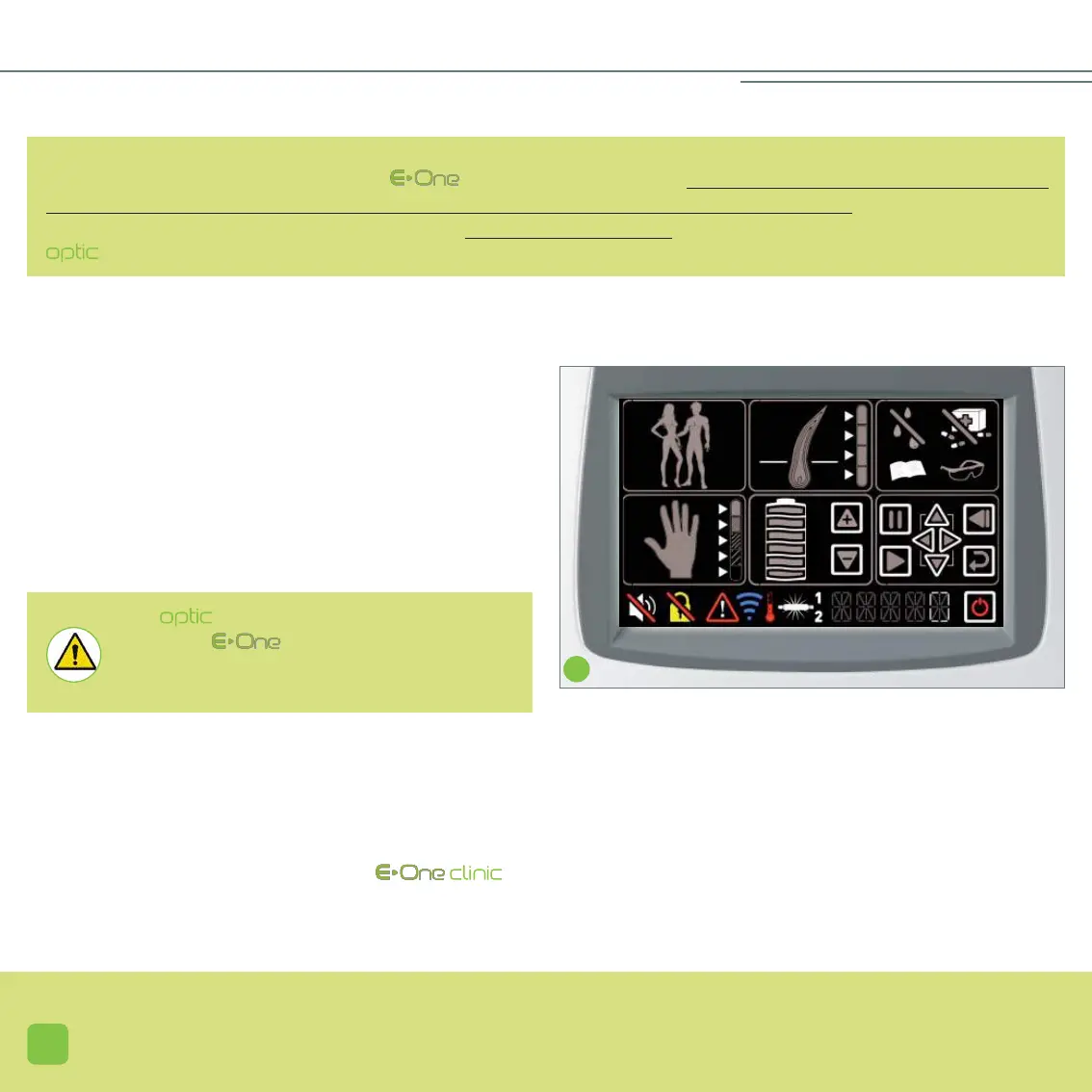
The cartridge must be changed when the number of flashes
displayed is equal to 0. When this happens, the lamp icon
(20) appears, but does not blink (screen J).
You can monitor your usage on the touch screen at any time.
J
__CHANGING THE
STEP 2
• Before turning off and unplugging your device, you must wait for the fan located inside the applicator to stop operating
completely (this may take several minutes). This procedure enables the optical parts of the applicator to cool down; the
other fans located inside the base of the , will only stop once the device is unplugged.


 To Next Page