UMPETHA 082009/072010.014
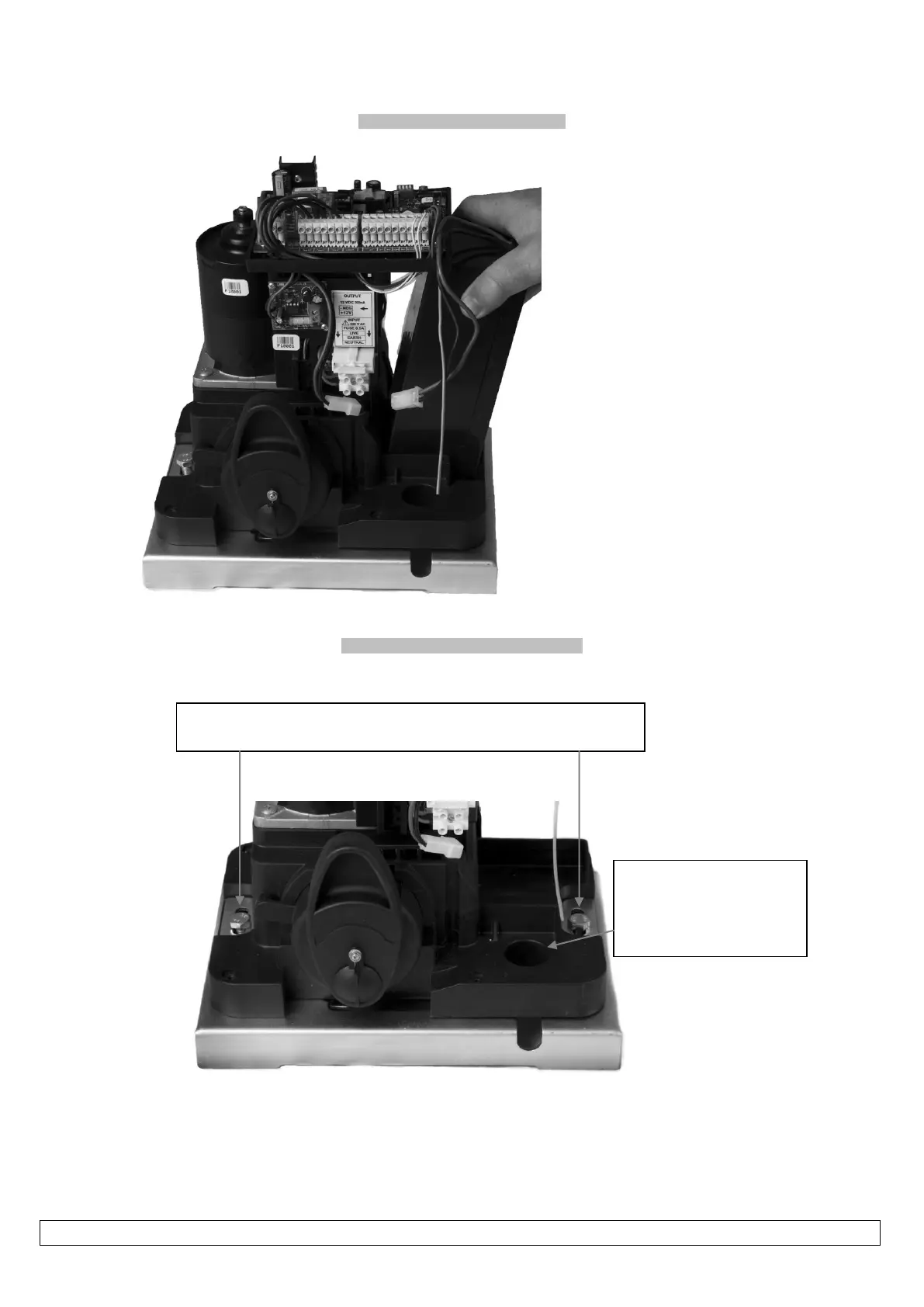
Inserting and removing the battery
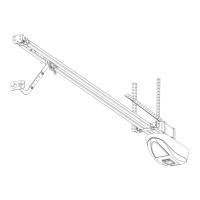
Fastening the operator to the base plate
Fasten motor to the base plate using the bolts and plates from the top as
shown here
Be careful that the cables are
not trapped and damaged
when fastening or adjusting the
motor on the base plate
Please note! In the cases where something like
the gate guide post or a wall is obstructing the
battery from being angled to one side, making
it impossible to insert or remove the battery
then carefully remove the control card and
control card holder before removing the
battery.
Remember to ensure the control card and
holder are both secured in place correctly
when finished.


 To Next Page