Auto-close time:-
(Default = 15sec.)
NB! The auto-close mode type must be selected after all programming is completed.
(See operating mode selection on page 24)
Action Response
2 beeps
Continuous beep
Continuous beep stops
To change the time again without leav ing programming, repeat from point 2.
Remov e program jumper or continue to another programming option.
NB! This does not activate the Auto-close function. For this see selecting operating modes on page 24
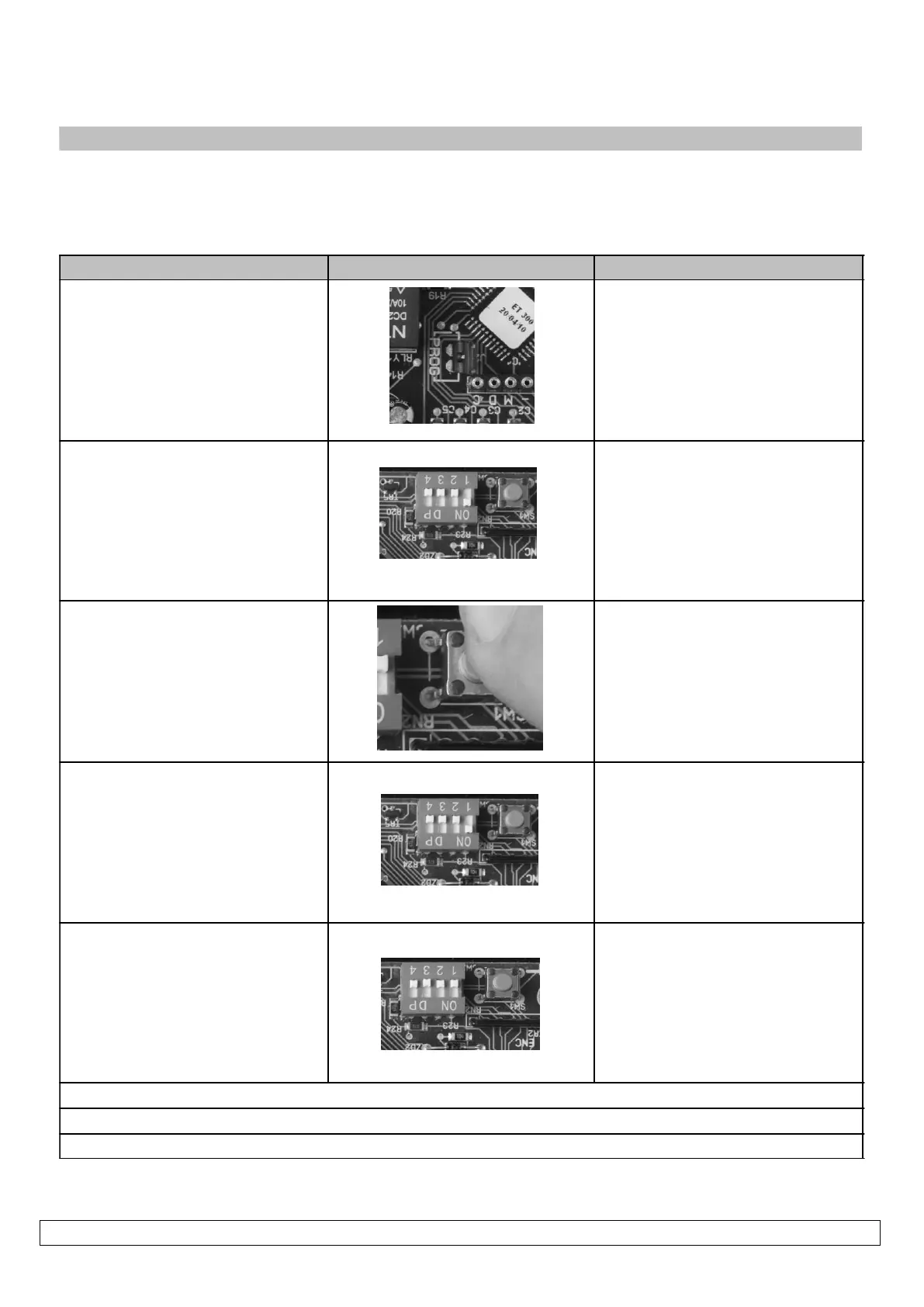
1. Program jumper on
2. Dip-switch 1 on
3. Press and hold Set button,
count beeps for required auto-
close time.
1 beep = 1sec.
2 beeps = 2sec.
....cont
255 beeps = 4.25 min. (Max)
4. Release Set button at
required auto-close time
5. Dip-switch 1 off


 To Next Page