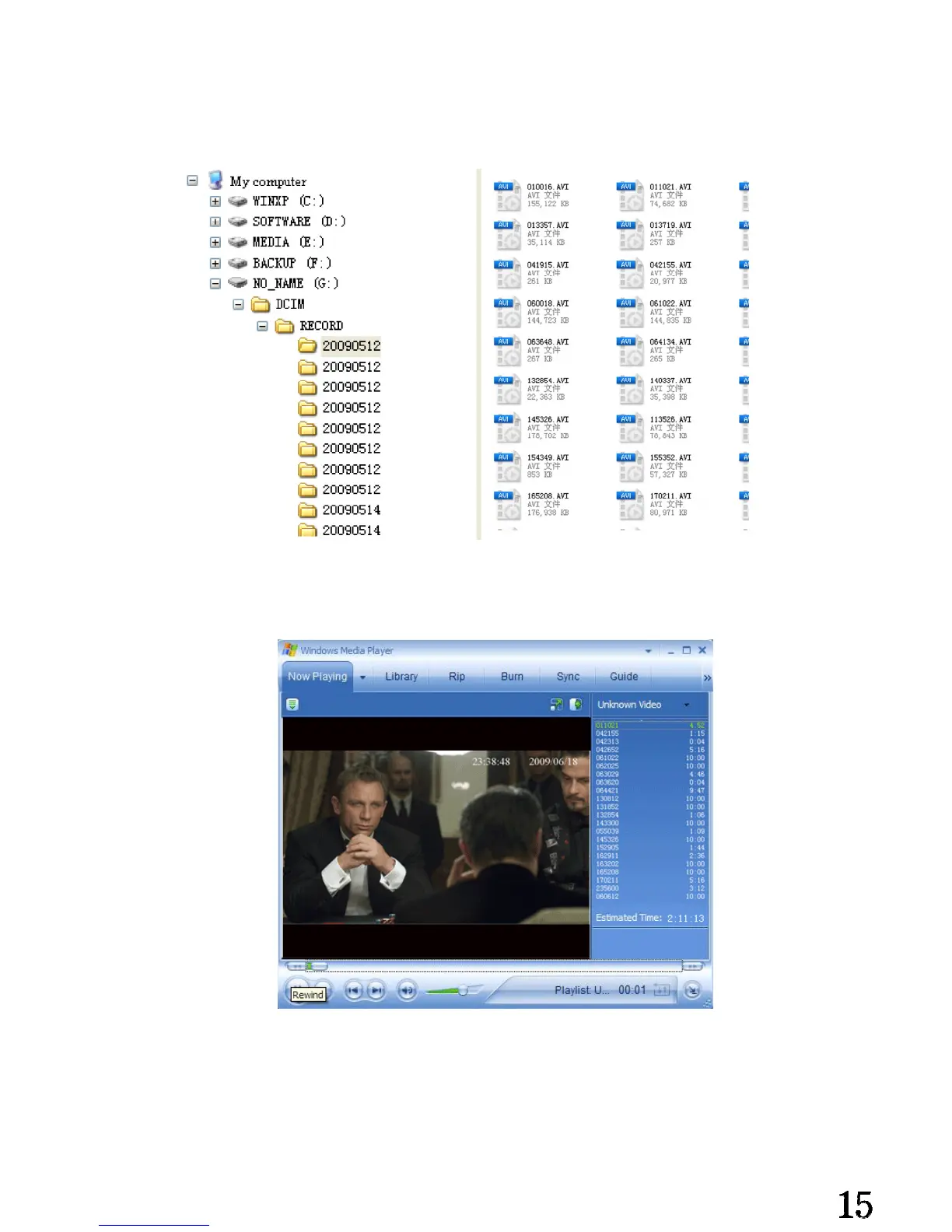
Open “my computer” to check if there has the removable hard disk③ ,called
“NO_NAME” .
Picture details:
Open the video files in the folders.④
Check the video files in the folders, and play it by the default media player in your ⑤
computer.
Attention:
Connect the main unit with PC under power off state,it is power charge mode,red
indicator flash at the same time, files in the storage can not be read. Connect the main
unit under power on state, the computer will read the files in the storage automatically
and power charging at the same time.


 To Next Page