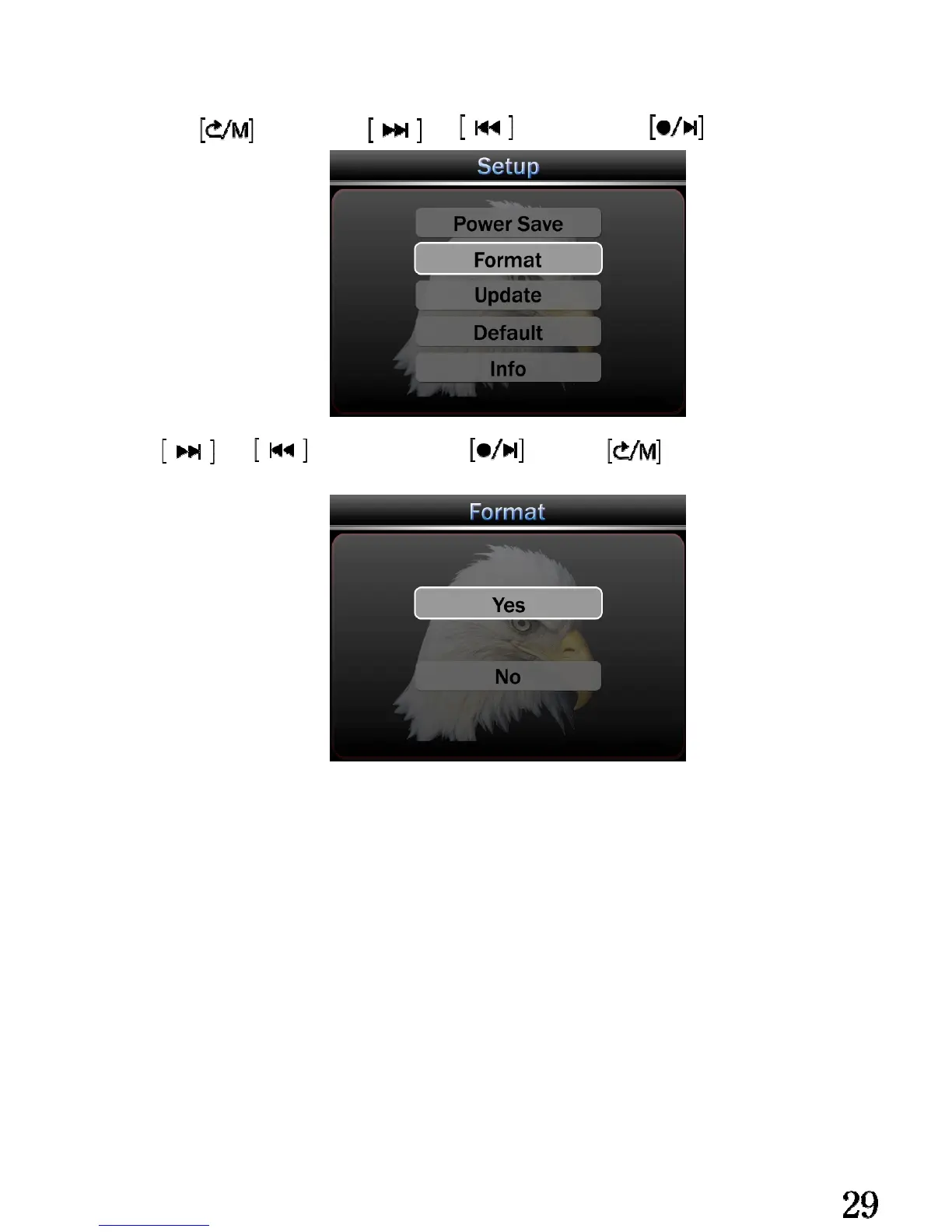
Format memory:
Long press enter setting, and choose Format. enter.
Press and choose Yes or No. confirm. quite.
There without any notice before format process, so please take attention before your
operate.
If you choose “yes” to do the format, the system will format the current memory that
store the video files. (If you choose the SD card as your video storage, the system will
format the SD card, if you choose the built in memory as your video storage, the system
will format the device memory)
Warning:The data in the memory won’t be recovered after format it, so please do
prudently. High commendation to backup the video files in your PC before format it.



 To Next Page