4810 Clover Road • Greensboro, NC 27450 • 1-800-336-2776 • www.eagleequip.com • © Eagle Equipment 2017.12 • page 24
15. MACHINE SETTINGS
15.1 MINIMUM VALUE DISPLAY SETTINGS
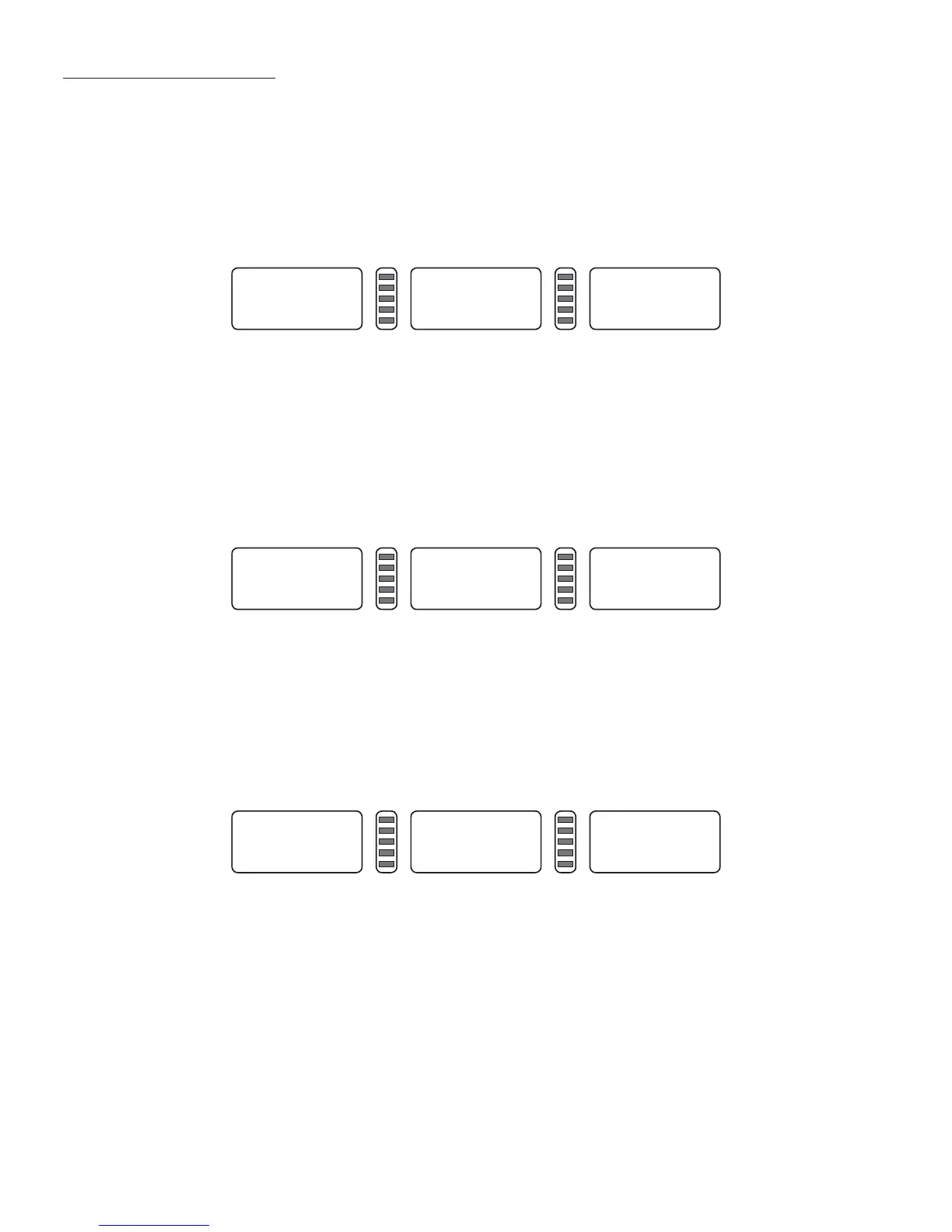
- After selection of minimum value display, the displayed value is Zero when wheel imbalance amount
is less than setting value. Press FINE key to show real imbalance amount.
- Press STOP and [C] key (Figure 15-1), denoting display is Zero when imbalance value is less than 5
grams. -Press [b+] key or [b-] key to set minimum value. There are three levels: 5, 10 and 15. Press [a+]
key to save settings:
15.2. KEY-TONE FUNCTION SETTINGS
- This function can turn on or turn off key-tone. When the function is turned on, the system will make
a sound whenever a key is pressed. If the function is turned off, there will be no sound.
- Follow 15.1 to press [a+] (Figure 15-2). The right side display shows “ON”, denoting function is on. If
the right side display shows “OFF”, the function is off. Press [b+] key or [b-] key to shift between
“ON” and “OFF”. Press [a+] key to save settings and enter next step:
15.3. DISPLAY MONITOR BRIGHTNESS SETTINGS
- This function will allow to set display brightness as per environment and user’s need,
- Follow 15.2. Press [a+] to modify the setting (Figure 15-3). The right side display shows the brightness
level. There are 8 levels total. Level 1 is the dimmest and level 8 is the brightest. The default level is 4.
Press [b+] key or [b-] key to select brightness level. Press [a+] key to save settings and enter next step:
Fin 5
Figure 15-1
Sp. ON
Figure 15-2
LH. 4
Figure 15-3


 To Next Page