4810 Clover Road • Greensboro, NC 27450 • 1-800-336-2776 • www.eagleequip.com • © Eagle Equipment 2017.12 • page 16
8. CALIBRATION OF MEASURE SCALE
The measure scale was labeled at the factory, but the labeled value may vary because of transportation.
Therefore, users can label it themselves before using the balancer. After turning the machine on, the
initialization is nished. Thus, users can label the measure scale.
8.1 CALIBRATION OF RIM DISTANCE SCALE
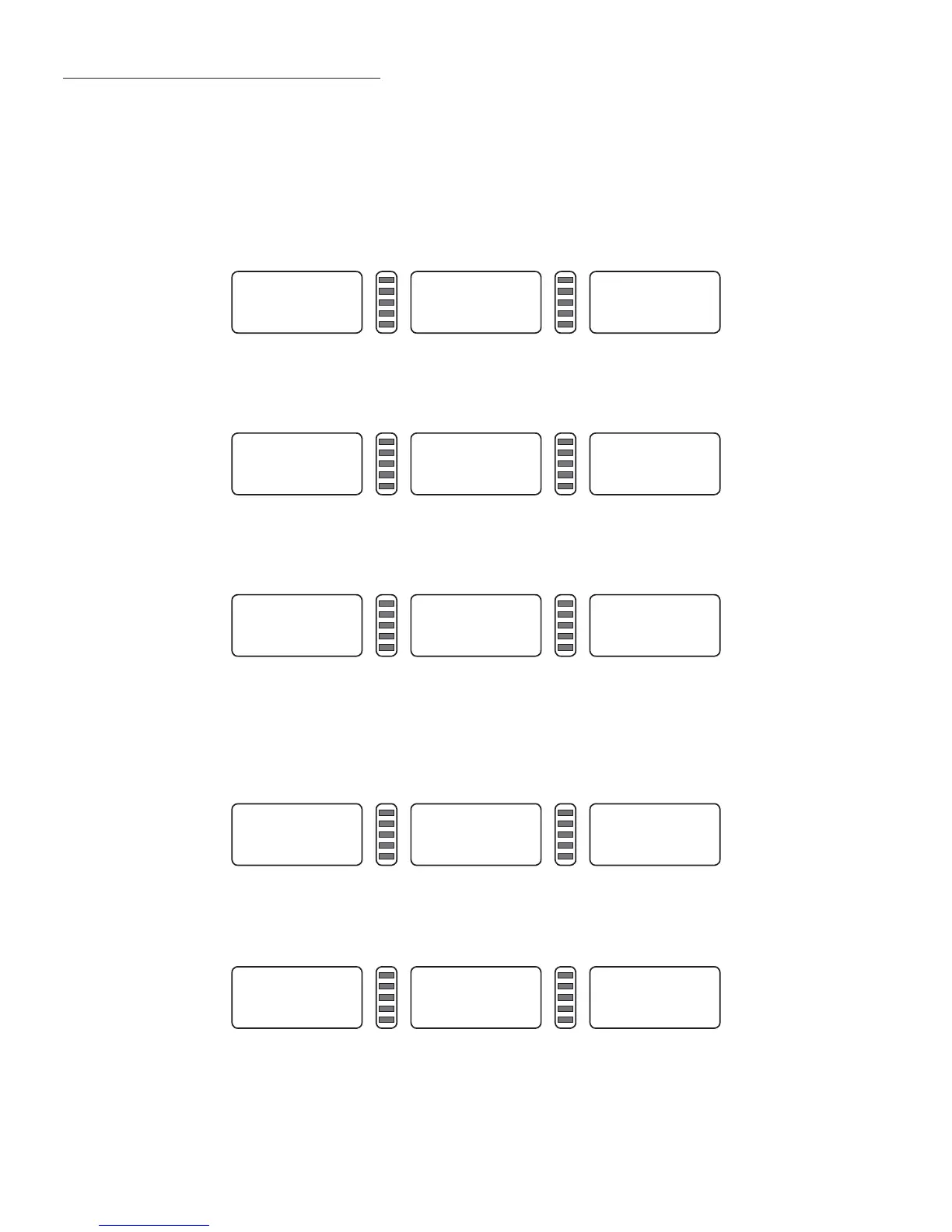
1. Press and hold STOP key and press FINE key (Figure 8-1), press STOP key or C key to exit.
2. Move scale to 0 (zero) position, press ALU key (Figure 8-2), press STOP key or C key to exit.
3. Move scale to 15, press ALU key (Figure 8-3), end of self-calibration, put back measure scale.
8.2 CALIBRATION OF DIAMETER SCALE
1. Install middle size tire on principal axis, press and hold STOP key, and press OPT key (Figure 8-4),
press STOP key to exit.
2. Press d+ or d- adjust value to current rim diameter value, press ALU key (Figure 8-5).
3. Move scale, put scale head on the inside edge of rim (Figure 7-2), press ALU key (Figure 8-3), when
the self-calibration ends, put back scale.
Cal. P. 0
Figure 8-1
Cal. P.15
Figure 8-2
000 000 000
Figure 8-3
CAL. 14.0
Figure 8-4
POS 14.0
Figure 8-5


 To Next Page