41
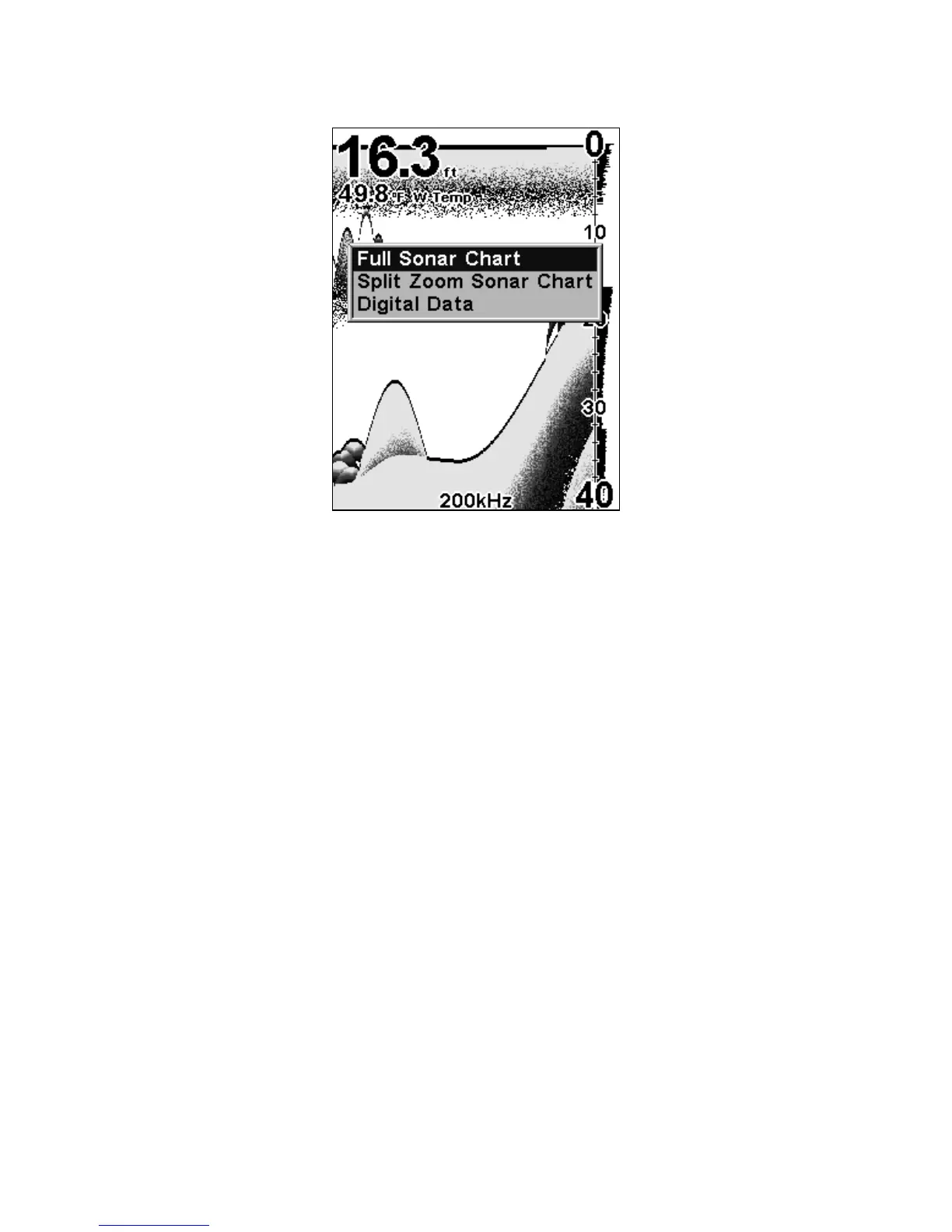
Pages Menu, showing Sonar display options.
All of the display options show the sonar chart in some format. This is a
"cross-section" view of the water column beneath the boat. The chart
moves across the screen, displaying sonar signal echoes that represent
fish, structure and the bottom.
The Pages Menu allows you to switch among the three chart display op-
tions. To access them, press
PAGES|↑ or ↓ to Option Name|EXIT.
The Sonar Page has its own menu, which is used for some advanced func-
tions and for setting various options. (Sonar Options and other features
are discussed in Sec. 4.) To Access the Sonar Page menu, press
MENU.















 To Next Page