58
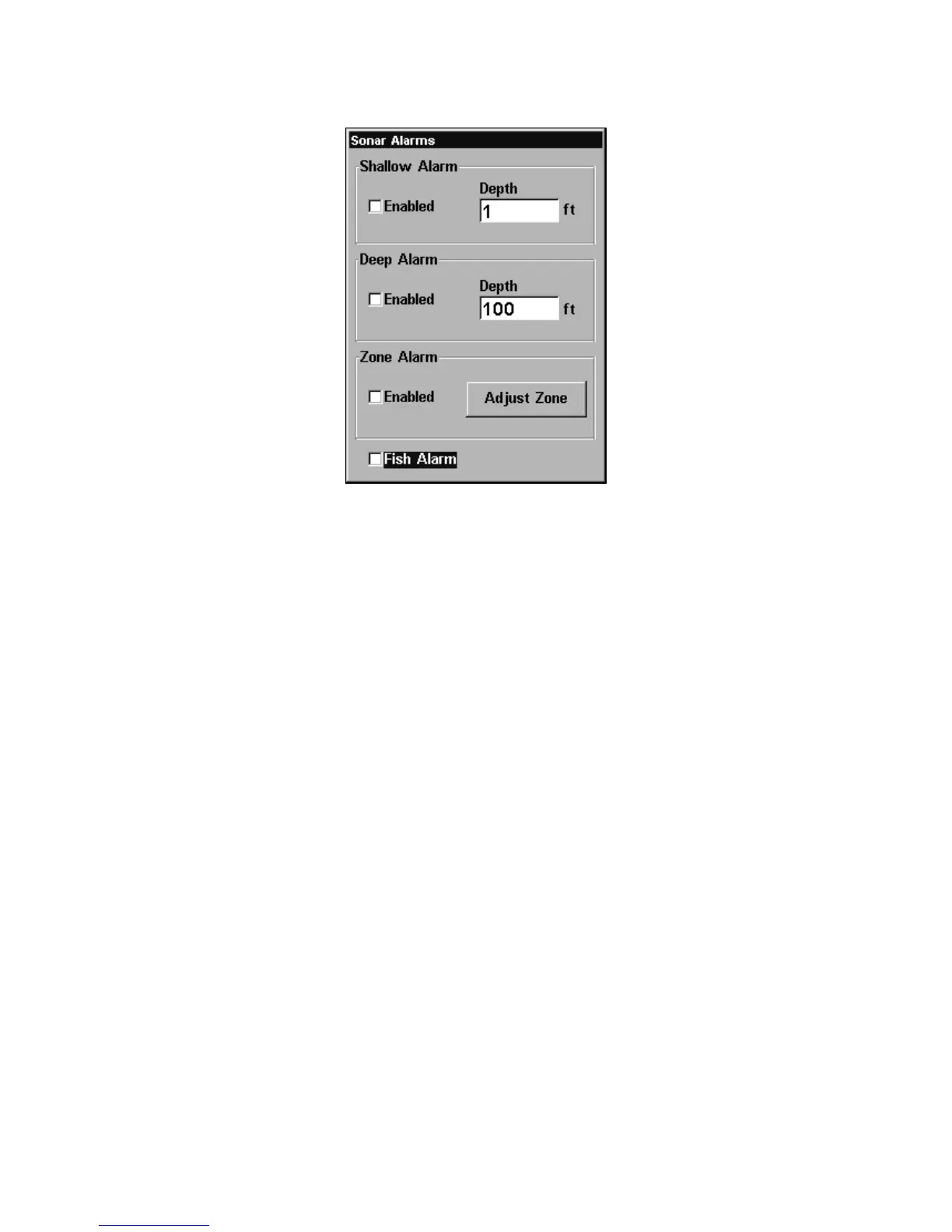
Sonar Alarms menu with Fish Alarm selected. The check box to the left
is blank, indicating the alarm is turned off.
To turn the fish alarm on:
1. Press ALARM|↓ to FISH ALARM|ENT|EXIT.
2. To turn off the alarm, press
ALARM|↓ to FISH ALARM|ENT|EXIT.
Backlight Level
The unit defaults to the maximum backlight level. To adjust the dis-
play's backlight level:
Press
MENU|MENU|↓ to BACKLIGHT LEVEL|ENT. The BACKLIGHT LEVEL slider
bar appears. Press ↑ or ↓ to move the bar. At The lower end of the scale
backlighting is turned off; the upper end is maximum backlight level.















 To Next Page