84
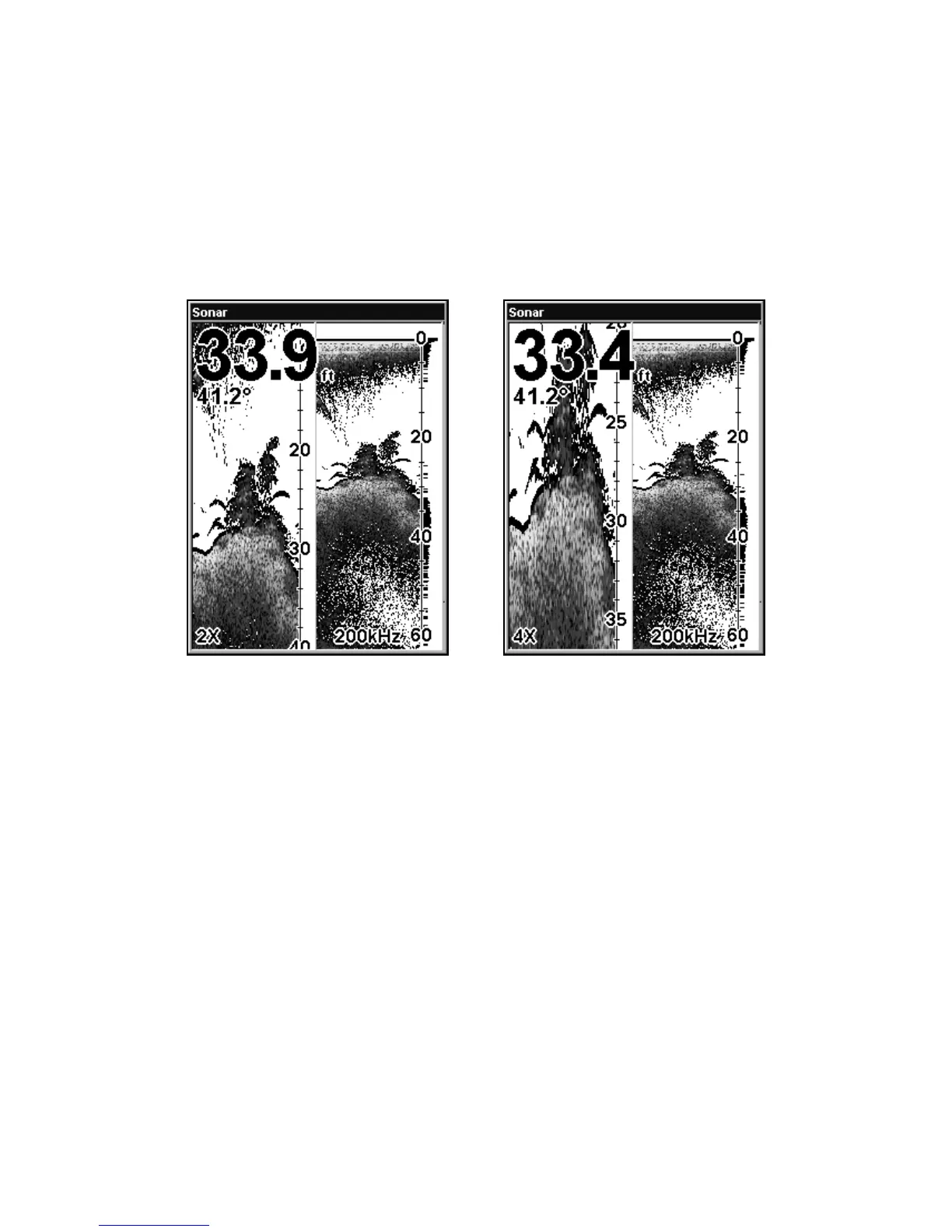
Split Zoom Sonar Chart
A split chart shows the underwater world from the surface to the bot-
tom on the right side of the screen. The left side shows an enlarged ver-
sion of the right side. The zoom range shows at the bottom left corner of
the screen.
Split Zoom Sonar Chart. Image at left shows the left window zoomed to
2X. The right image shows the left window zoomed to 4X.
Digital Data/Chart
This mode shows the chart on the right side of the screen. The left side has
five large digital data boxes or windows containing (by default): Water
Depth; Water Temperature; Water Speed (from an optional speed sensor)
and Water Distance (distance traveled or log, it also requires a speed sen-
sor).















 To Next Page