77
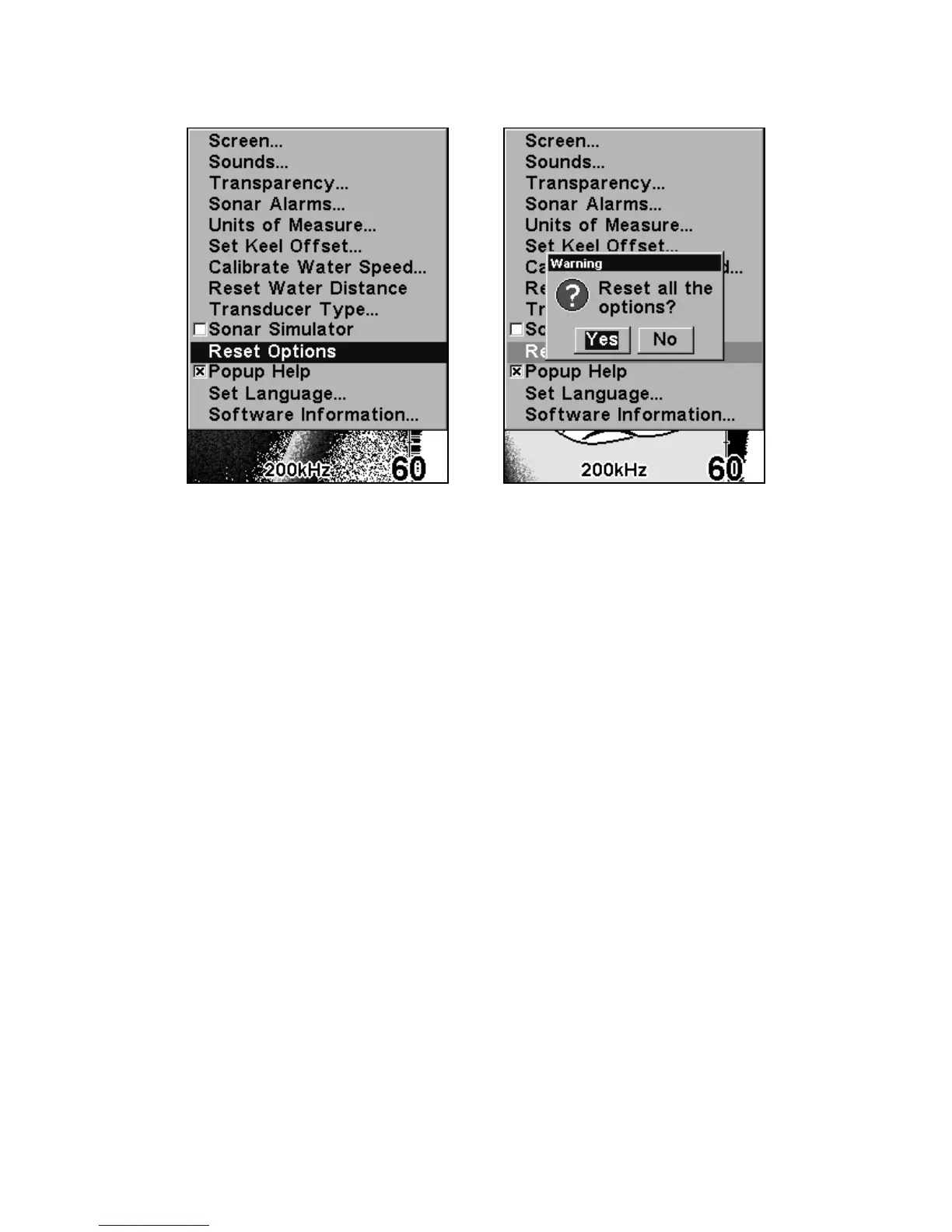
At left, Main Menu with Reset Options command selected. At right, the
Reset Options dialog box, with "Yes" selected.
Reset Water Distance
The sonar chart's Digital Data display option includes a box that shows
distance traveled, called Water Distance. This information is calculated
from an optional water speed sensor. The Water Distance window can
be reset to zero using the Reset Water Distance command.
Press
MENU|MENU|↓ to RESET WATER DISTANCE|ENT. The menus are
cleared and the water distance is reset to 0.00.
Screen Contrast and Backlight Level
See the separate entries in this section for Contrast and Backlight
Level.
Set Keel Offset
This unit measures water depth from the face of the transducer. Since
the transducer is installed below the water surface, the distance dis-
played by the digital depth, chart depth scale, chart cursor or fish sym-
bols is not the exact water depth. If the transducer is 1 foot below the















 To Next Page