64
Depth Range - Automatic
When turned on for the first time, the bottom signal is automatically
placed in the lower half of the screen. This is called Auto Ranging and
is part of the automatic function. However, depending upon the bottom
depth and the current range, you can change the range to a different
depth. To do this:
1. From the Sonar Page, press
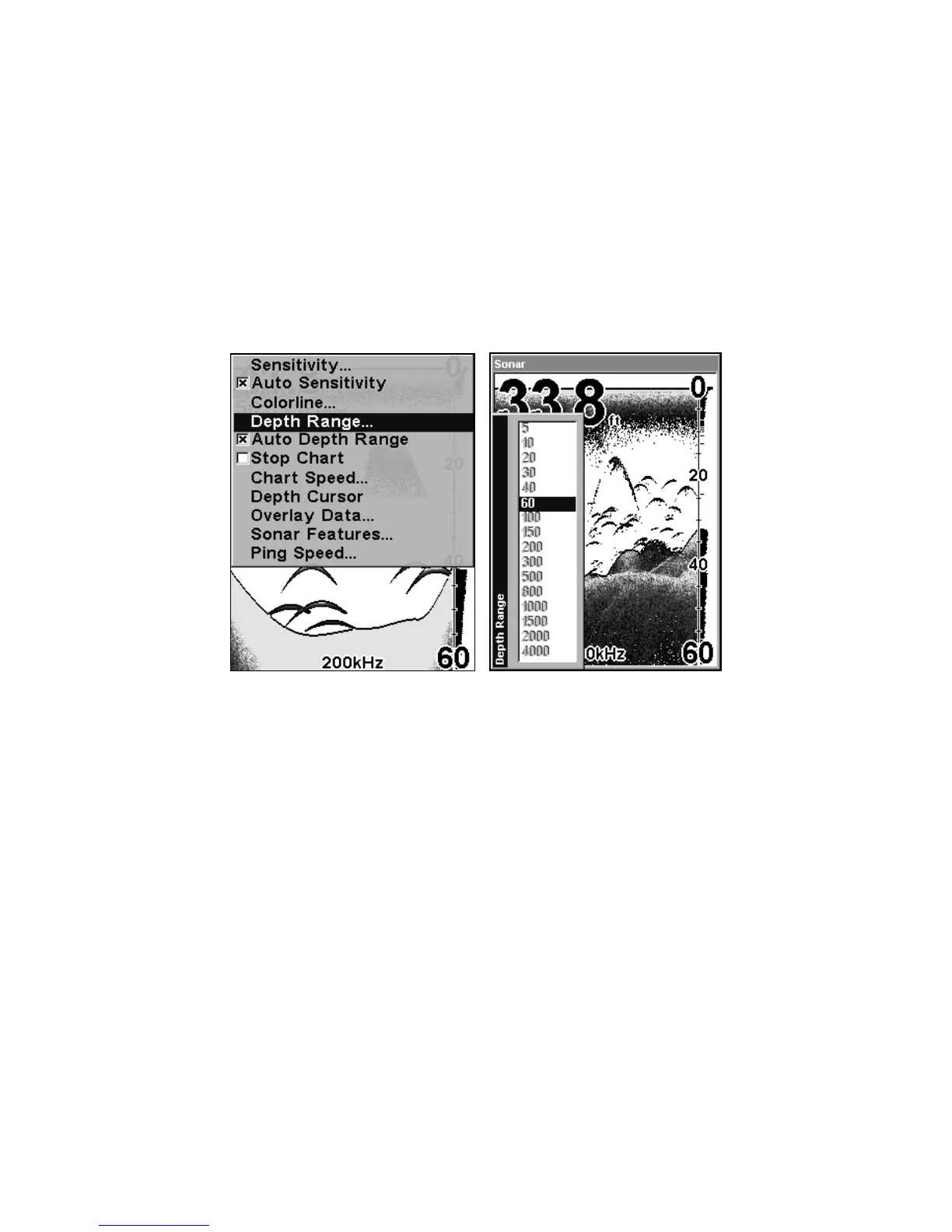
MENU|↓ to DEPTH RANGE|ENT.
At left, Sonar Page menu with Depth Range command selected. At
right, the Depth Range Control Scale.
2. The Depth Range Control Scale appears. Press ↑ or ↓ to select a dif-
ferent depth range. A blue bar highlights the selected range. The
lighter numbers cannot be selected.
3. When the new range is selected, press
EXIT to clear the menu.
Depth Range - Manual
You have complete control over the range when the unit is in the man-
ual mode. There are 16 depth ranges, from 5 feet to 4,000 feet.















 To Next Page